.svg)
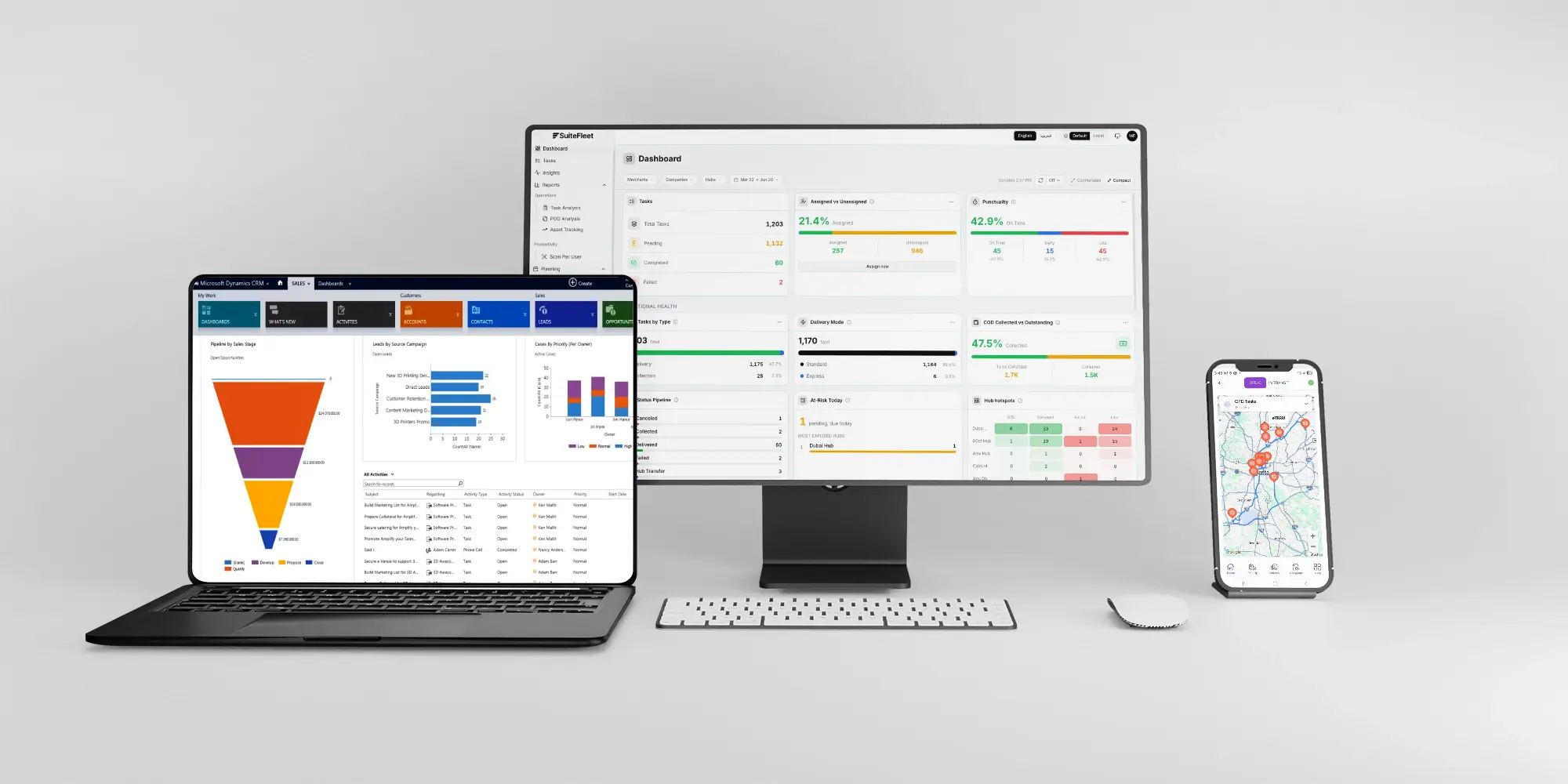
Dynamics 365 Fleet Management — live tracking, maintenance scheduling, and driver performance synced to Dataverse.
Vehicles, drivers, and maintenance, the operational layer Dynamics 365 was never built to run, connected back to Dataverse and Power BI.

.webp)


What Dynamics 365 Manages, and What It Cannot:
Dynamics 365 spans Sales, Finance, Supply Chain Management, and Field Service with real depth. Supply Chain Management ends at the shipping dock. Field Service manages work orders, not fleet vehicles. Neither has GPS tracking, route optimization, or driver behavior analytics.
What Changes When Dynamics 365 and SuiteFleet Are Connected:
- Order sync: shipment records from Dynamics 365 flow into SuiteFleet as trip assignments automatically.
- Live tracking: dispatchers see every vehicle's real time position against open D365 orders.
- Maintenance alerts: service due dates flagged before they cause a missed delivery.
- Driver scorecards: behavior data logged per trip and rolled into Power BI reports.
- Dataverse writeback: trip completion and vehicle data synced back automatically, staying inside the Microsoft ecosystem.
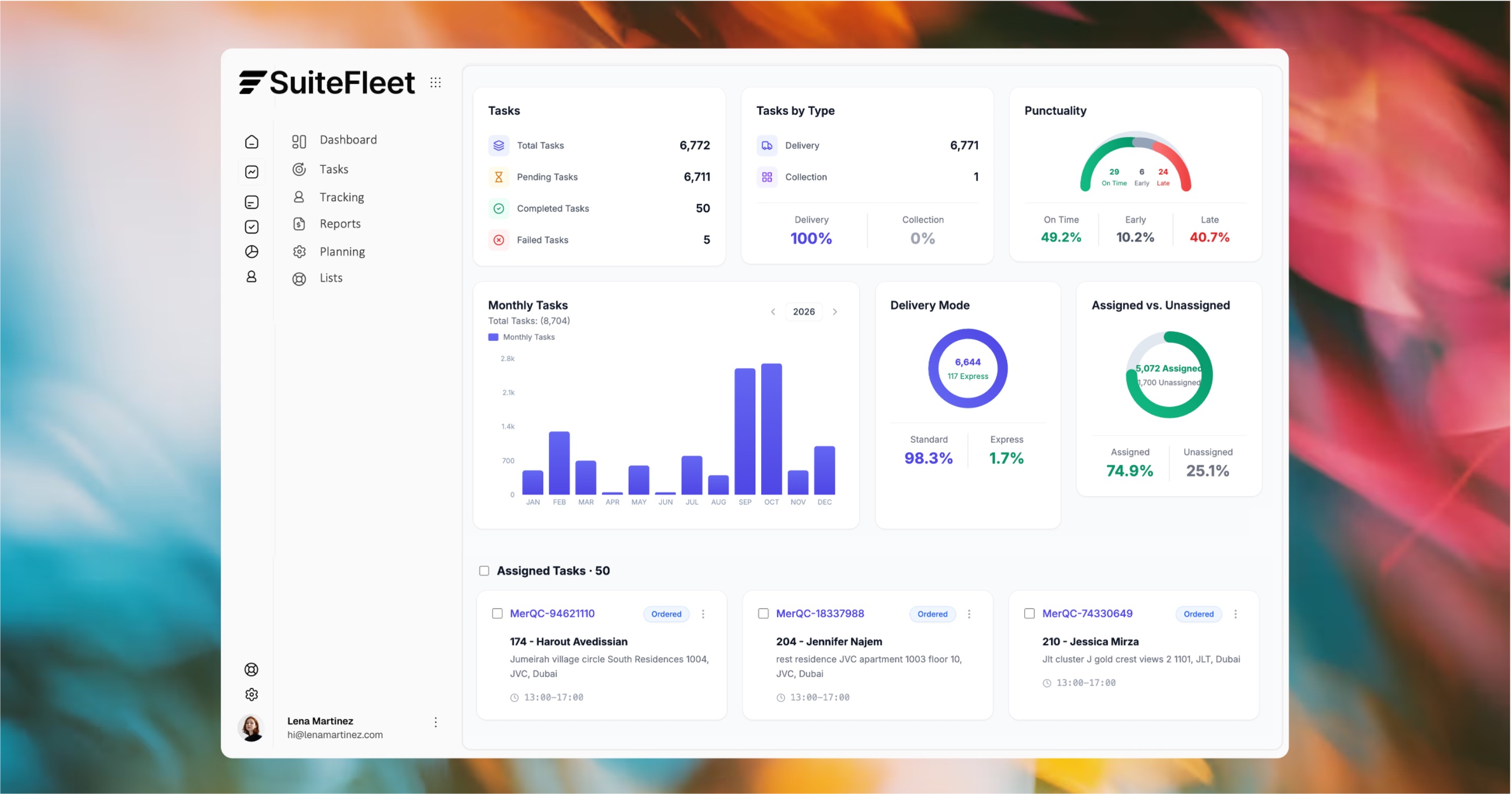

Your fleet, finally visible in your Microsoft stack.

Who This Is For:
Organizations standardized on Microsoft running their own delivery fleet on Dynamics 365 Supply Chain Management or Field Service, needing vehicle-level visibility neither module provides.
Technical Integration Details:
Connects via the Dataverse Web API and Power Automate. Vehicle, trip, and maintenance data map to D365 Supply Chain Management and Field Service records, and surface in Power BI.
How It Works (steps):
- A Dynamics 365 sales order is marked ready for delivery and assigned to a vehicle in SuiteFleet.
- Vehicle location, maintenance status, and driver behavior tracked in real time.
- Trip completion and fleet data synced back to Dataverse automatically.




.svg)


.svg)
.svg)