
Zoho Proof of Delivery — connect every completed delivery to signatures, photos, and a clear handover record.
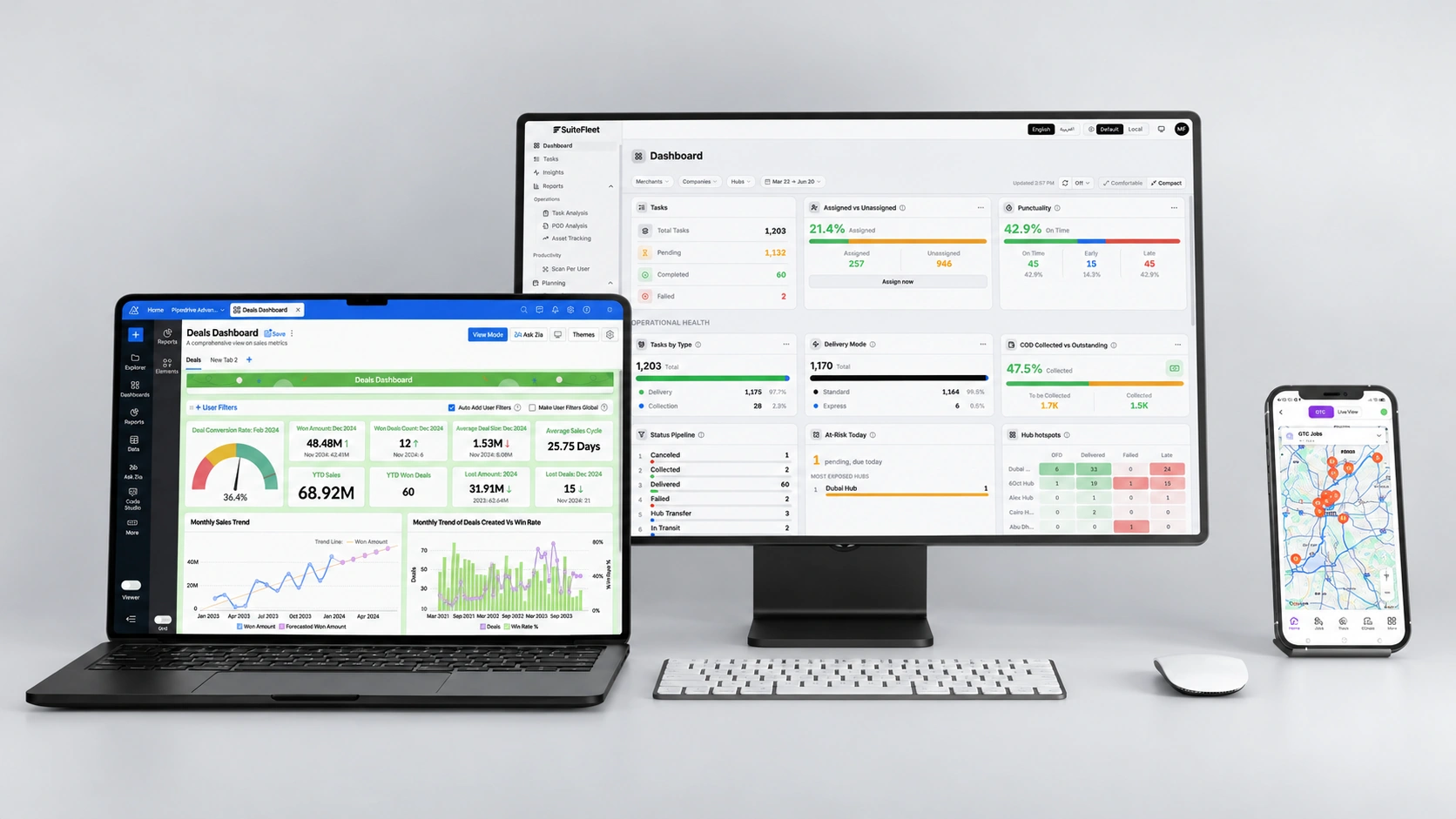
Zoho manages your orders. SuiteFleet helps your drivers capture delivery evidence and keep your team informed from dispatch to doorstep.

.webp)


What Zoho Manages, and Where Delivery Evidence Fits:
Zoho Inventory manages sales orders, inventory, packages, and shipments. For businesses delivering with their own fleet, the doorstep handover needs its own record: who received the goods, where they were delivered, and their condition on arrival. SuiteFleet captures that evidence and connects it to the delivery workflow.
What Changes When Zoho and SuiteFleet Are Connected:
- E-signature capture: Customers sign on the driver’s device, documenting who accepted the delivery.
- Photo evidence: Delivery photos show the goods, their visible condition, and where packages were placed.
- GPS verification: Coordinates and timestamps record where and when the delivery took place.
- Barcode matching: Supported barcode scans help verify packages against the assigned delivery.
- Zoho writeback: Supported delivery updates and evidence references return to the corresponding Zoho record through the configured integration.
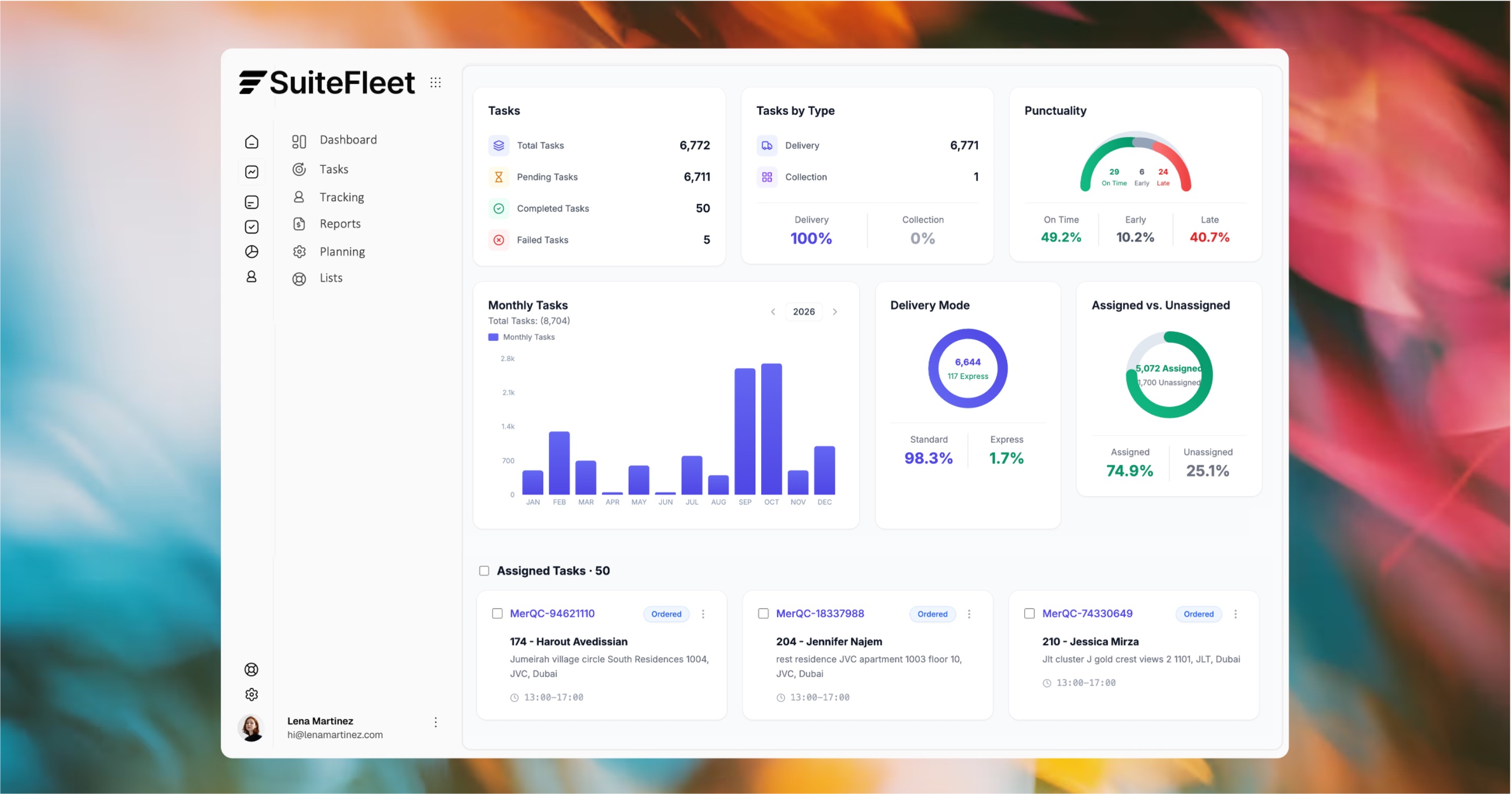

Every Zoho delivery. A clear record of completion.

Who This Is For:
Retailers, distributors, and ecommerce businesses using Zoho Inventory to manage orders and their own drivers to complete deliveries, who need clear handover evidence to answer customer questions and investigate delivery disputes.
Technical Integration Details:
The integration maps Zoho order references, customer addresses, and delivery instructions to SuiteFleet delivery jobs. Completion updates and evidence references return to the corresponding Zoho records based on the configured connector. Supported applications, attachment handling, barcode mapping, and synchronization timing are confirmed during setup.
How It Works (steps):
- Eligible Zoho orders transfer to SuiteFleet with customer details, delivery addresses, and order references.
- Drivers capture recipient signatures, delivery photos, and supported barcode scans at the doorstep, with GPS coordinates and timestamps recording the handover.
- Delivery evidence is available for review in SuiteFleet, while supported completion updates return to the corresponding Zoho record through the configured integration.





.svg)


.svg)
.svg)
.svg)