Route Optimization
FOR ZOHO ROUTES
Turn Zoho orders into optimized delivery routes with less mileage and smarter stop sequencing.
CRM
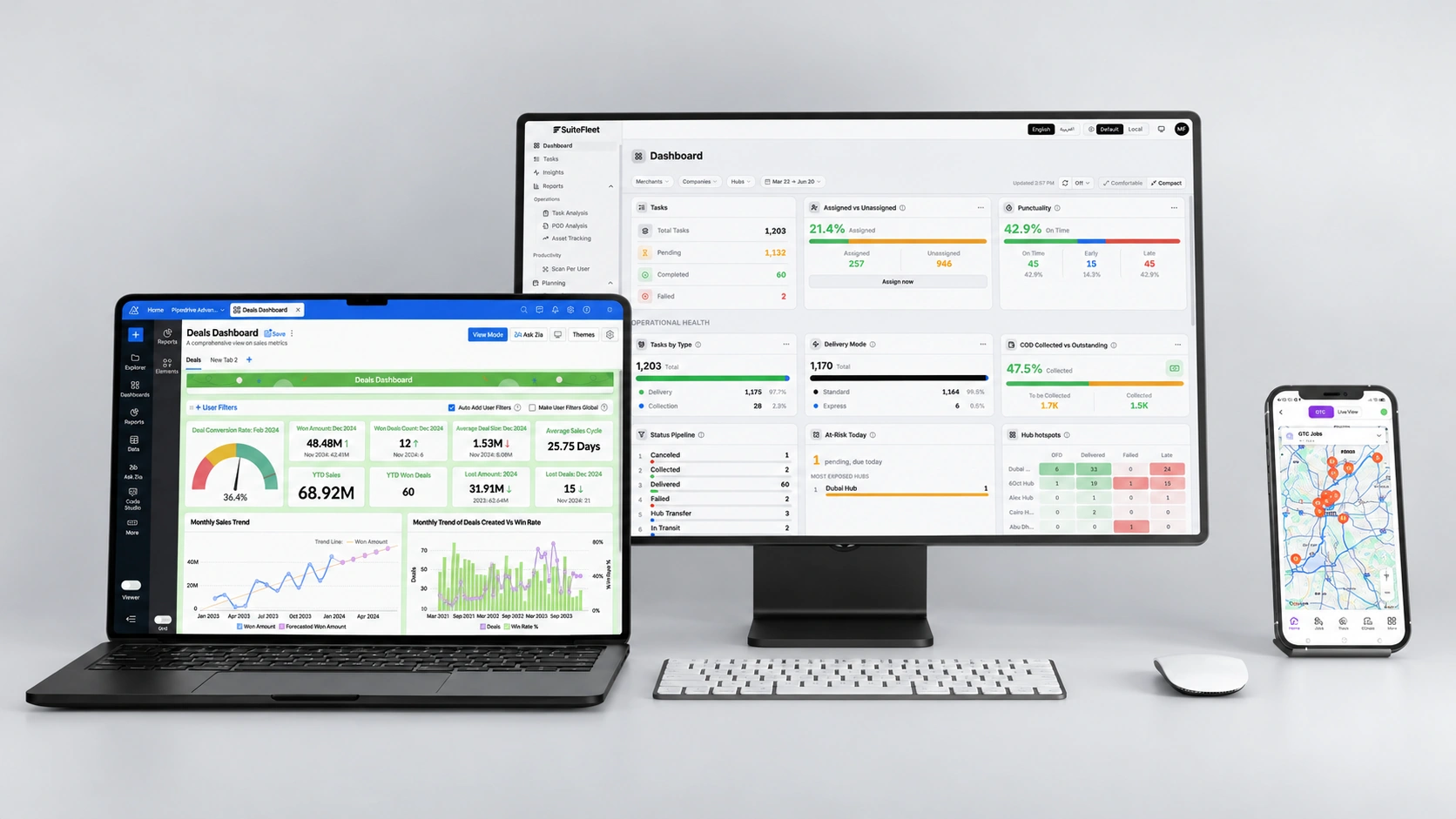
Zoho manages your orders. SuiteFleet plans who delivers them, in what sequence, and within which delivery windows.
Free Trial

.webp)

Zoho Order Sync
Bring eligible Zoho Inventory orders into SuiteFleet without re-entering delivery details.

Zoho Load-Balanced Routing
Distribute deliveries by vehicle capacity, driver availability, and delivery windows.

Zoho Dynamic Route Planning
Adjust routes when priorities change or new deliveries arrive.

Zoho Delivery Status Sync
Return supported delivery updates to Zoho through your configured integration.
What Zoho Manages, and Where SuiteFleet Fits:
Zoho Inventory manages sales orders, stock, and shipments. SuiteFleet adds fleet-wide route planning, stop sequencing, and driver assignments to turn those orders into efficient delivery runs.
What Changes When Zoho and SuiteFleet Are Connected:
- Order sync: Bring eligible orders into route planning.
- Optimized routes: Sequence stops to reduce unnecessary driving.
- Balanced workloads: Match deliveries to vehicle capacity and driver shifts.
- Flexible dispatch: Adjust stops and assignments as priorities change.
- Connected records: Send supported delivery updates back to Zoho.
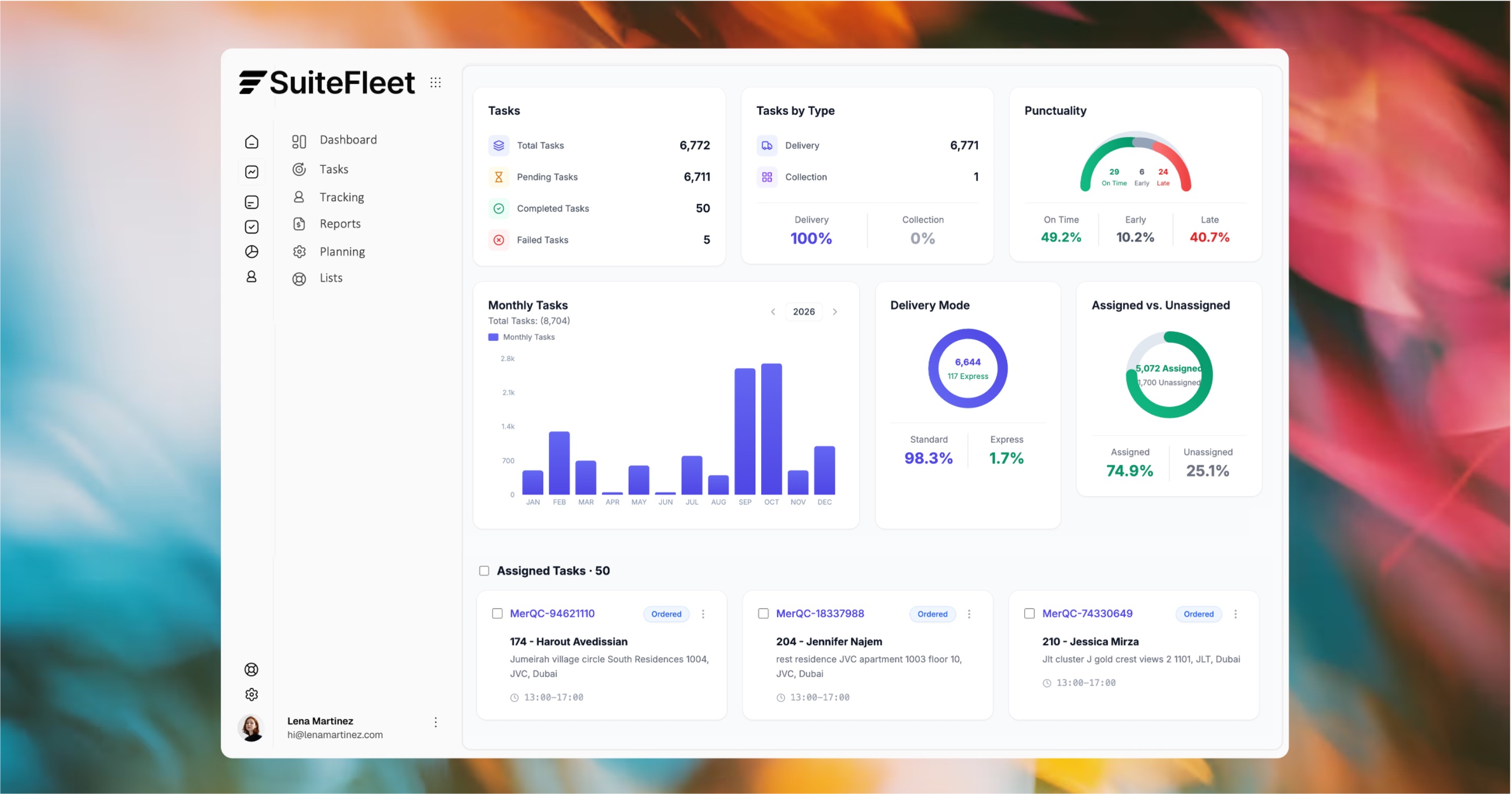
Less manual planning. Fewer unnecessary miles. Clear routes for every driver.

ZOHO + SUITEFLEET
Your Zoho orders. Smarter routes.
Turn delivery orders into practical routes built around your drivers, vehicles, and customer delivery windows.

Multi-stop sequencing
Capacity-based planning
Traffic-aware routing
Who This Is For:
Retailers, wholesalers, and distributors using Zoho Inventory and running their own multi-stop delivery fleet.
Technical Integration Details:
Zoho Inventory APIs support access to order and shipment records. Import rules, field mapping, and delivery updates depend on the configured integration.
How It Works (steps):
- Import eligible Zoho orders with delivery addresses and requirements.
- Assign deliveries across your fleet and optimize the stop sequence.
- Dispatch routes and return supported delivery updates to Zoho.




.svg)
.svg)
.svg)
.svg)