.svg)
Dynamics 365 Transportation Management System — extends D365's basic transportation module.
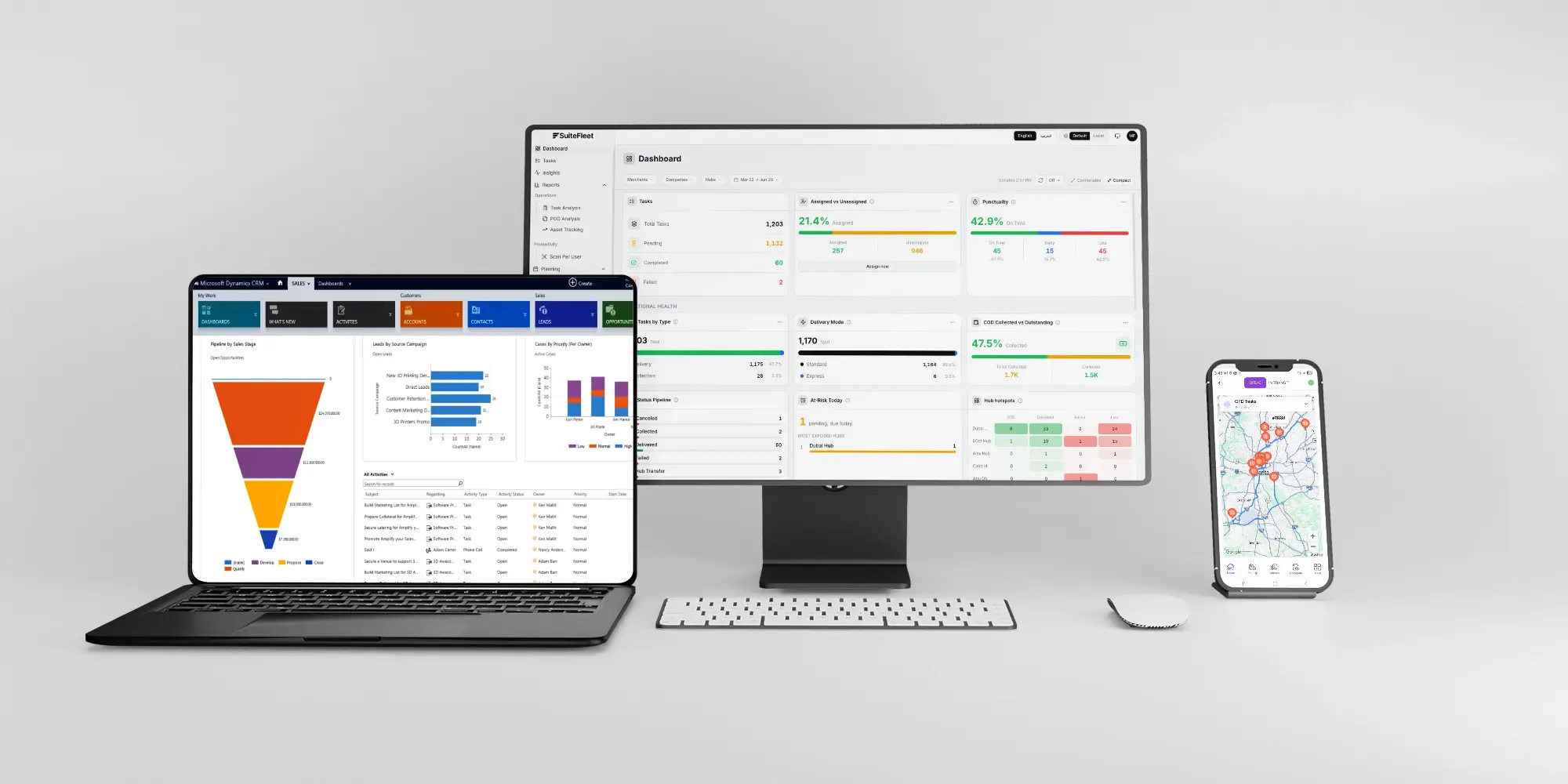
D365 Supply Chain has basic load planning. Business Central has none. SuiteFleet delivers full transport depth, synced back automatically.

.webp)


What Dynamics 365 Manages, and What It Cannot:
D365 Supply Chain Management includes a Transportation Management module with basic load planning and freight reconciliation. D365 Business Central has no transportation module at all. Neither offers multi-carrier rate shopping, intelligent load consolidation beyond basic grouping, real-time GPS tracking, or multi-stop route optimization with traffic adjustment.
What Changes When Dynamics 365 and SuiteFleet Are Connected:
- Load optimization: intelligent consolidation by weight, cube, and delivery window replaces D365's basic shipment grouping, lifting utilization from around 60% to 85%.
- Carrier rate shopping: live rate comparison across contracted carriers replaces the rate-shopping capability D365 lacks entirely.
- Real-time tracking: GPS and milestone tracking replace manual updates and EDI messages with live visibility.
- Route optimization: multi-stop routes with traffic adjustment replace D365's simple origin-destination calculations.
- Dynamics 365 writeback: delivery confirmations, freight costs, and POD records post back to D365 for financial reconciliation.
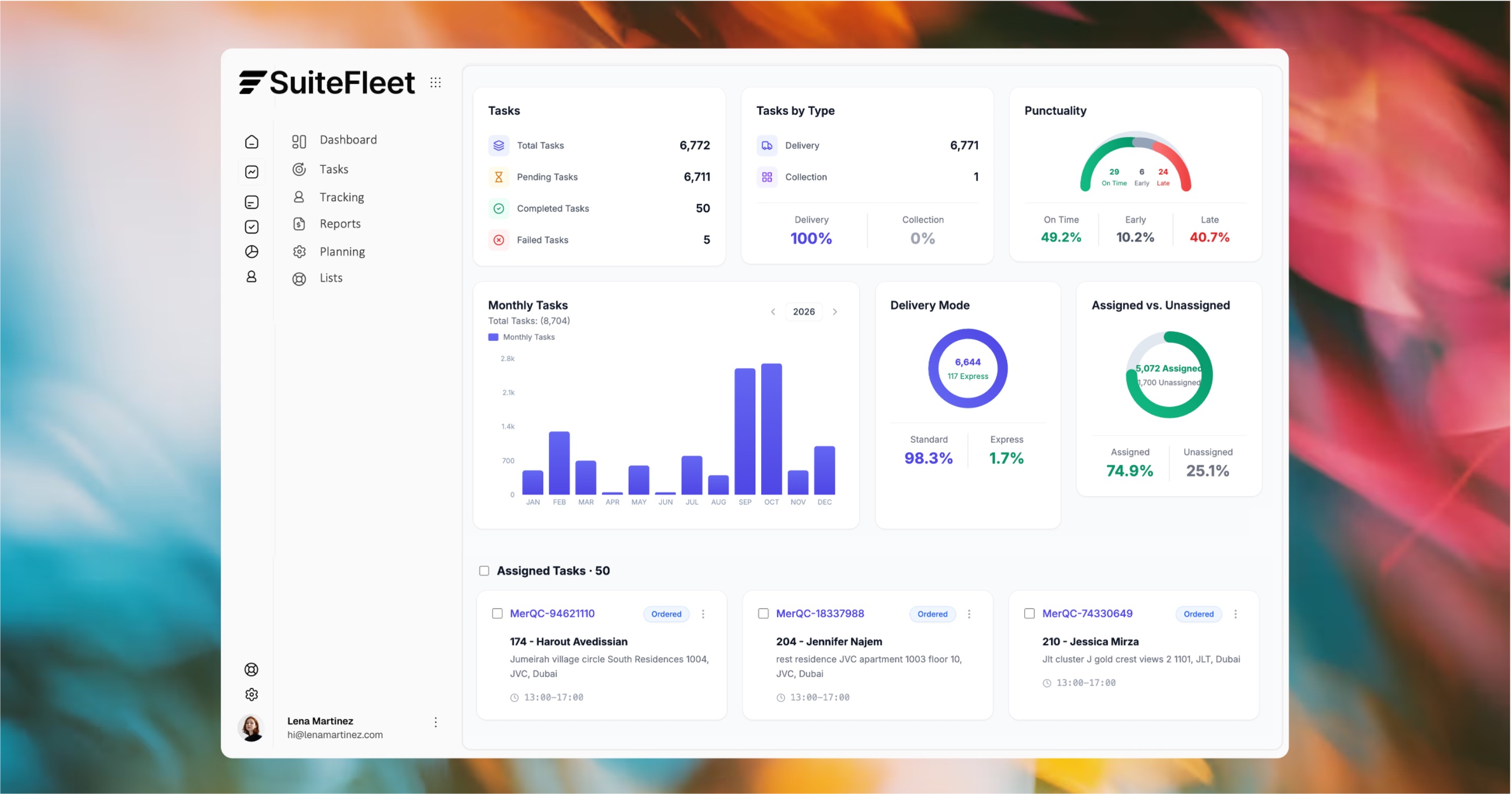

D365 plans the load. SuiteFleet optimizes and executes it.

Who This Is For:
D365 Supply Chain Management or Business Central users needing carrier rate shopping, advanced load optimization, and real-time tracking beyond what D365's transportation features provide, especially Business Central users with no transport module at all.
Technical Integration Details:
Connects via the Dataverse Web API. Sales orders, transfer orders, warehouse release data, item dimensions, and customer SLAs sync automatically when shipments are ready for transport, with freight costs and delivery confirmations posting back for financial reconciliation.
How It Works (steps):
- Sales orders, transfer orders, and warehouse release data sync from D365 via Dataverse when shipments are ready for transport.
- SuiteFleet consolidates orders into optimized loads, compares carrier rates, and builds multi-stop routes.
- Delivery confirmations, freight costs, and POD records post back to D365 automatically for financial reconciliation.




.svg)


.svg)
.svg)