Transportation Maagement
.png)
FOR SANA COMMERCE TRANSPORT OPERATIONS
Turn Sana Commerce orders into planned loads, coordinated dispatch, and tracked shipments.
E-Commerce
Sana Commerce connects online orders to your ERP. SuiteFleet helps move those orders from warehouse to customer.
Free Trial

.webp)

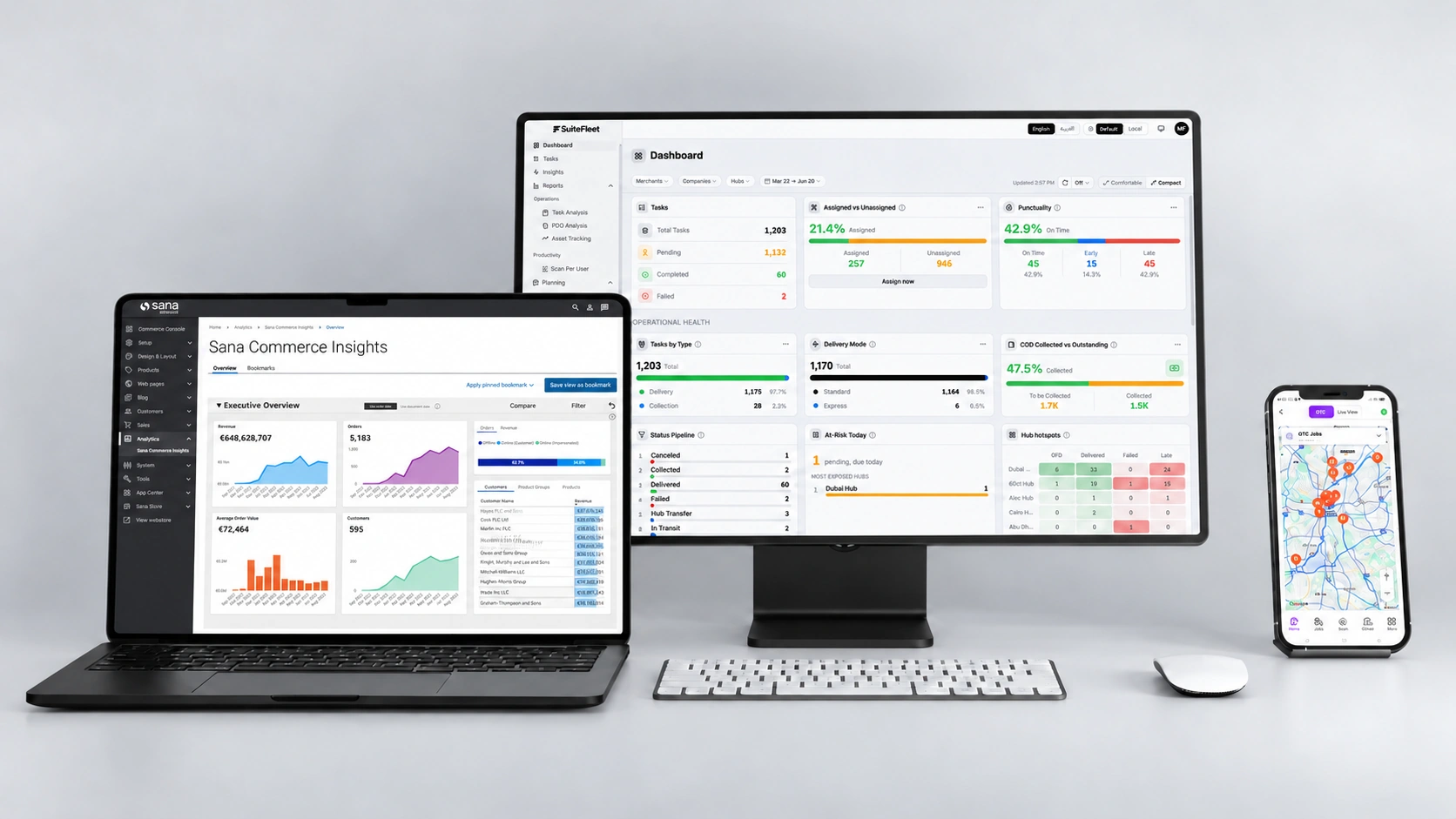
Sana Commerce Load Planning
Group eligible orders by destination, vehicle capacity, and delivery windows.

Sana Commerce Transport Dispatch
Assign loads to drivers and vehicles from one dispatch view.

Sana Commerce Shipment Tracking
Follow active trips and spot delays before they affect customers.

Sana Commerce Delivery Confirmation
Capture signatures, photos, and timestamps to document completed shipments.
What Sana Commerce Manages, and Where SuiteFleet Fits:
Sana Commerce supports B2B ordering using your ERP’s pricing, inventory, and customer data. SuiteFleet adds transport planning, dispatch, and visibility into the movement of goods.
What Changes When Sana Commerce and SuiteFleet Are Connected:
- Connected orders: Bring eligible orders into transport planning through your ERP or configured integration.
- Practical loads: Group shipments around capacity and delivery requirements.
- Central dispatch: Coordinate drivers and vehicles in one place.
- Live visibility: Track trips and respond to delays.
- Confirmed handovers: Capture proof and return supported delivery updates.
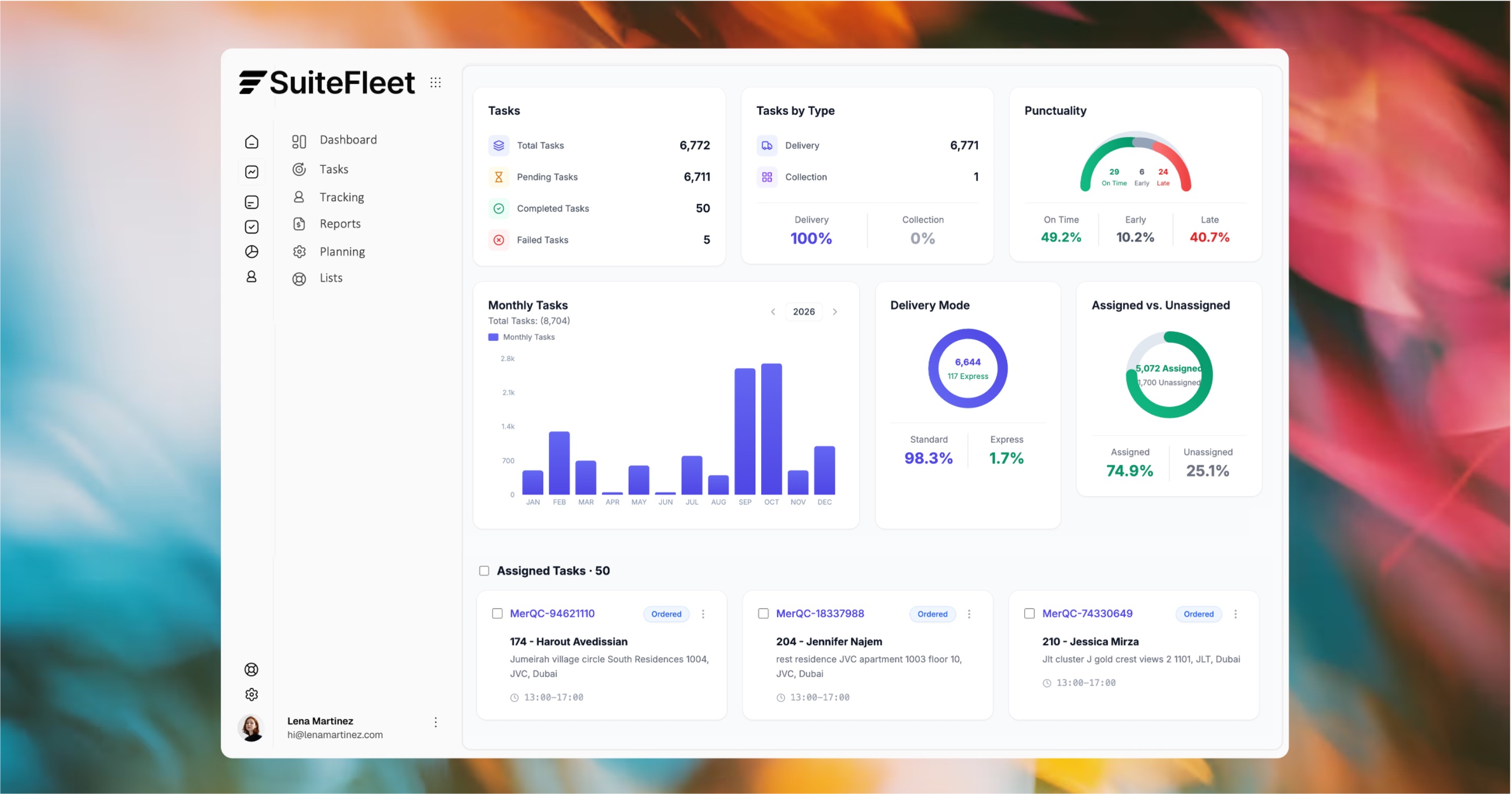
One transport workflow. Clear assignments. Visibility beyond the warehouse.

SANA COMMERCE + SUITEFLEET
From online order to transport under control.
Plan loads, coordinate dispatch, and track shipments through to delivery.

Multi-stop sequencing
Capacity-based planning
Traffic-aware routing
Who This Is For:
Manufacturers, wholesalers, and distributors taking orders through Sana Commerce and delivering with their own fleet.
Technical Integration Details:
Order imports and delivery updates depend on the connected ERP and configured integration. Available fields and sync rules are defined during setup.
How It Works (steps):
- Bring eligible Sana Commerce orders into SuiteFleet through the configured connection.
- Build loads, assign drivers and vehicles, and track trips.
- Capture delivery confirmation and return supported updates.
.jpg)







.svg)


.svg)
.svg)
.svg)