Blog
March 24, 2026
Performance

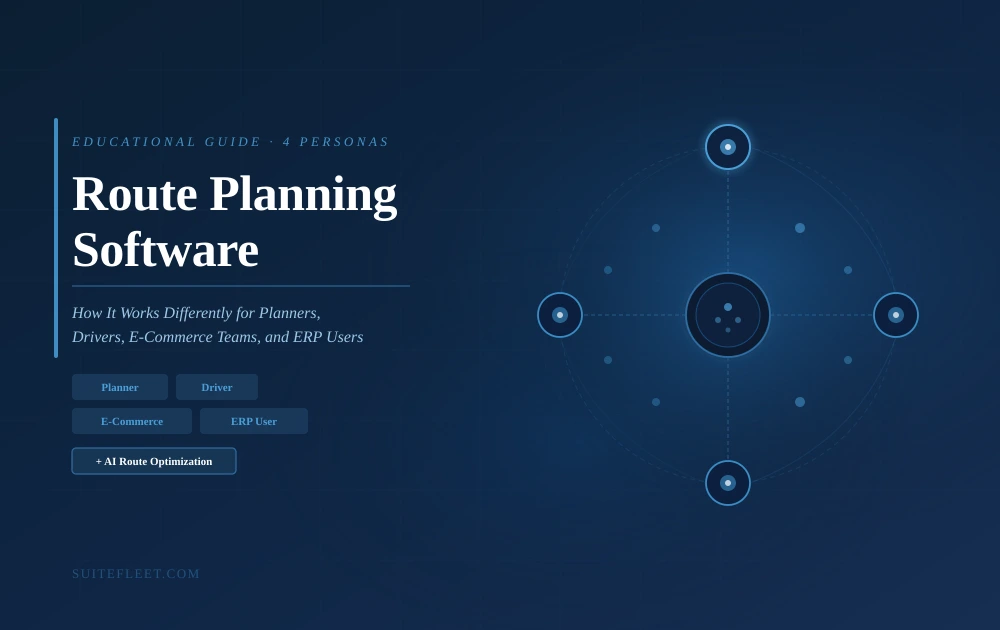
Route Planning Software: How It Works Differently for Planners, Drivers, E-Commerce Teams, and ERP Users

This guide walks through what route planning software does at each layer of your operations.

Route planning software is a single category with at least four completely different user experiences. The planner building routes for tomorrow's fleet, the driver navigating stop three in traffic, the e-commerce team watching orders leave the warehouse, and the finance team trying to reconcile delivery costs at end of day are all inside the same system. They see entirely different things. They need entirely different things. And when the system serves one of them well but neglects the others, the optimization that looked clean on a planning screen quietly falls apart on the road.

This guide walks through what route planning software does at each layer. It explains what optimization actually means, why it matters more than raw speed, how AI changes the calculus, and where the chain from planner to driver to ERP typically breaks. By the end, the differences between a good implementation and an expensive one should be clear regardless of which layer of the system you spend most of your time in.

What Route Planning Software Actually Is

Route planning software solves a class of problems called the vehicle routing problem: given a set of delivery stops, a set of vehicles, and a set of constraints, find the sequence of stops for each vehicle that minimizes total cost while satisfying all constraints. In practice, the constraints are what make the problem hard.

A simple ten-stop route with no time windows and one vehicle is trivially optimizable. A realistic daily operation might involve a hundred stops, twenty vehicles of different capacities, customers with half-hour delivery windows, drivers with different working hours, traffic patterns that shift throughout the day, and a dispatcher who needs to be able to modify assignments in real time when a driver calls in sick at 7am. The combinatorial space of possible solutions grows exponentially with each additional variable.

What optimization actually does is find a near-optimal solution to that problem faster than a human dispatcher can, and do it consistently across every planning cycle. The value is not that the algorithm finds a perfect solution. It is that it finds a solution that is reliably better than manual planning, scaled to however many stops and vehicles the operation runs, every day, without dispatcher fatigue degrading quality on a Friday afternoon after a long week.

Modern route planning platforms typically combine several optimization approaches:

  • Static optimization: run before the day begins, producing planned routes based on all known constraints
  • Dynamic rerouting: adjusts routes in real time as conditions change — traffic, failed attempts, new urgent orders
  • AI-powered prediction: uses historical data to improve ETA accuracy and anticipate delays before they cause failures
  • Multi-objective balancing: optimizes across competing goals simultaneously, such as minimizing distance while respecting time windows and balancing workload across drivers

The distinction that matters: Route planning software that only optimizes at the start of the day and then locks routes in place is not delivering most of its potential value. The dynamic rerouting and real-time adjustment layer is where meaningful cost savings and on-time improvements are generated during execution.

For the Planner: What Happens Before a Driver Leaves

The Planner's View: Route building, load assignment, exception handling

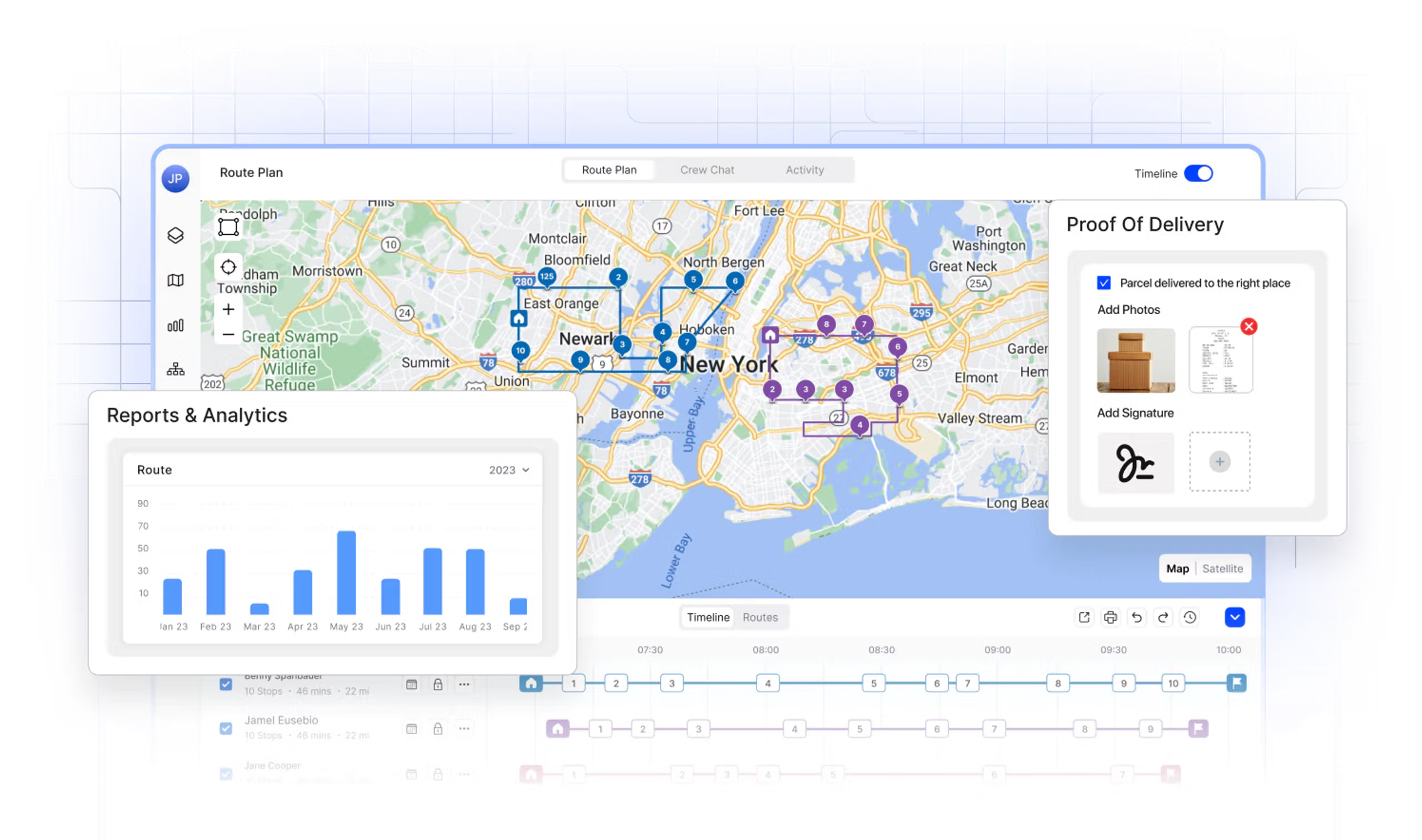
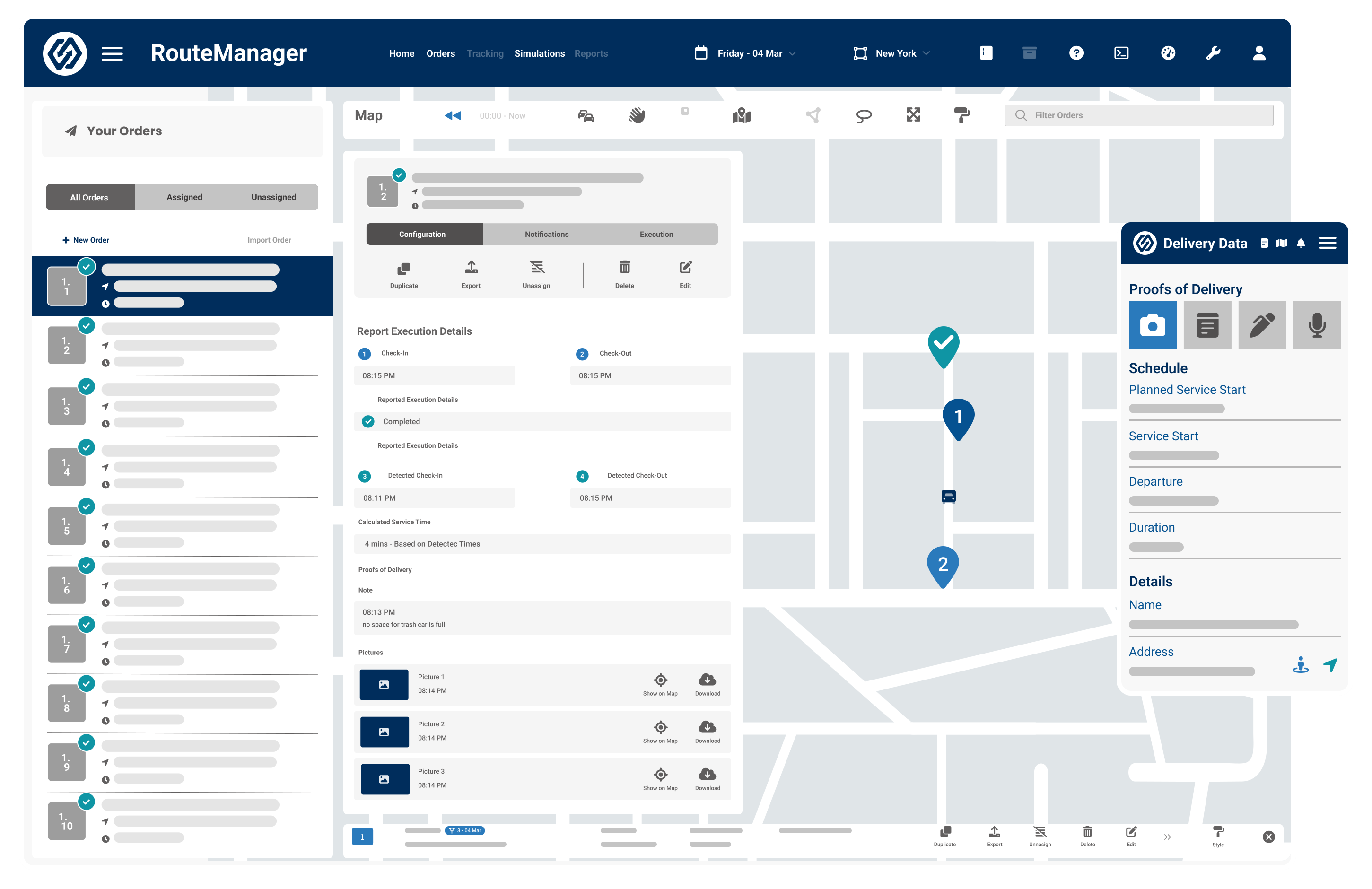
The planner's experience of route planning software is the one most vendors lead with in sales materials, and for good reason: it is the most visible layer. A good planning interface turns a complex daily optimization problem into a manageable workflow. A poor one creates more work than it saves.

At the planning stage, the software ingests the day's orders, applies the configured constraints, and produces an optimized set of routes across the available vehicle fleet. The planner's job at that point shifts from building routes manually to reviewing what the system produced, handling exceptions, and making judgment calls the algorithm cannot make.

Territory management is a significant part of the planner's workflow in recurring operations. Consistent geographic zones mean that drivers build familiarity with their areas, customers build expectations around their regular driver, and route quality improves over time as historical data informs future planning cycles. A planning tool that re-optimizes territories from scratch each day may produce theoretically optimal routes that are operationally disruptive because no driver knows their stops.

Load balancing across vehicles matters as much as stop sequencing. A route that minimizes distance but sends one driver home at 2pm while another is still delivering at 7pm is not a good route. Effective planning tools optimize across both dimensions, producing routes that are efficient in mileage and equitable in workload.

Where planning tools most commonly fail operations teams:

  • Order data arrives late or incomplete because the ERP integration is one-way or batch-based rather than real-time
  • Exception handling requires the planner to leave the routing tool and work in a separate system
  • Multi-day planning is not supported, so recurring stops and multi-day routes require manual workarounds
  • The planning tool has no visibility into vehicle maintenance schedules or driver availability from HR systems

The practical test: Ask the vendor to show you what happens when an urgent order arrives at 8am after routes have been published. How many steps does it take to insert that stop, reoptimize the affected route, and push the update to the driver's app? The answer reveals how well the planning layer handles real operational conditions.

For the Driver: What Route Optimization Looks Like on the Road

The Driver's View: Navigation, POD capture, dispatcher communication

The driver does not see the optimization algorithm. The driver sees the app. And the quality of the driver's app experience determines, more than any other factor, whether the route optimization the planner ran actually produces the outcomes it was designed to produce.

A driver using a well-built app receives an ordered list of stops with navigation built in, customer notes surfaced at each stop, proof of delivery capture that takes ten seconds, and a direct communication channel to the dispatcher for anything that requires a judgment call. The driver does not need to understand routing theory. The driver needs the app to make their job easier than the alternative.

Driver app adoption is where most route planning implementations underperform. The optimization is configured, the routes are published, and then drivers find ways around the app. They call the dispatcher directly for information that should be in the app. They capture proof of delivery on their personal phone and text it instead of logging it in the system. They deviate from the planned route because the app's navigation suggestion seems wrong and there is no easy way to report that back to the planner.

When drivers work around the app, the data model collapses. The planner's view of what is happening on the road becomes unreliable. Proof of delivery does not flow back to the ERP. Performance data is incomplete. The entire downstream value of the route planning tool depends on the driver layer functioning as designed.

What good driver app design requires:

  • Minimal steps: from opening the app to accepting a job, navigating to the stop, and capturing POD — under ten steps total
  • Offline functionality: the app must work when connectivity is poor; POD captured offline should sync when signal returns
  • Dynamic resequencing: if a stop is added, removed, or rescheduled mid-day, the change appears in the driver's job list immediately without requiring them to restart the app
  • Structured POD: signature, photo, and notes captured in one flow, attached to the correct stop, and synced back to the dispatcher and ERP automatically
  • Two-way communication: in-app messaging between driver and dispatcher keeps operational conversations structured and auditable

The test that reveals driver app quality better than any demo: hand the app to a driver who has never seen it and time how long before they complete a job end to end. Any task that takes more than ten minutes without assistance will have adoption problems at scale.

For E-Commerce: How Route Optimization Connects to the Storefront

The E-Commerce Team's View: Order import, tracking portal, customer notifications

E-commerce route optimization has a distinct set of requirements that fleet operations rarely share. Orders originate in a storefront platform rather than an ERP, volume is unpredictable and can spike sharply without warning, customers expect a self-service tracking experience rather than proactive outreach from a dispatcher, and the margin per delivery is thin enough that manual steps in the dispatch process have a measurable cost.

The e-commerce use case for route planning software begins at the order intake layer. When a customer places an order, that order needs to appear in the route planning tool without anyone manually exporting a file and importing it. Native connectors to Shopify, WooCommerce, and other storefront platforms handle this automatically, creating delivery jobs the moment orders are confirmed and making them available for the next planning cycle.

The customer-facing layer is where e-commerce route planning differs most from fleet dispatch. Customers do not want to call a dispatcher to check on their order. They want a tracking link that updates in real time as the driver progresses through their route. A well-configured route planning system sends that tracking link automatically at dispatch, updates the ETA as the driver moves, and sends a notification when the driver is one stop away. None of those steps require human intervention.

Surge handling is the e-commerce-specific planning challenge that catches most operations unprepared. A promotional campaign or a seasonal spike can double order volume without warning. The route planning layer needs to handle that additional volume across the available fleet without the planner manually rebuilding routes from scratch. Constraint-aware optimization that accounts for fleet capacity and driver availability should absorb the surge and produce viable routes without dispatcher heroics.

What the e-commerce layer requires from route planning software:

  • Native storefront integration: direct connection to Shopify, WooCommerce, or the order management system — no CSV export, no manual upload
  • Automated dispatch: order-to-route pipeline runs without manual intervention for standard delivery types
  • Customer tracking portal: branded, real-time tracking page with automated milestone notifications
  • Surge capacity handling: optimization scales to volume spikes without requiring manual route rebuilding
  • Returns dispatch: return pickups can be scheduled and assigned inside the same workflow as outbound delivery

The e-commerce gap: Most e-commerce brands discover their route planning tool cannot handle returns dispatch when a customer requests a pickup for the first time. Building returns into the same dispatch workflow from the start avoids the operational scramble of managing outbound and reverse logistics in separate systems.

For ERP Users: Where Route Data Needs to Go

The ERP User's View: Order status, delivery cost, POD in the order record

The ERP user's relationship with route planning software is almost entirely downstream. They are not building routes or driving them. They are trying to understand what happened: whether an order was delivered, what the proof of delivery looks like for a customer dispute, what the cost per delivery was against the planned cost, and whether completed deliveries have triggered the invoice workflows that depend on them.

The problem this creates is architectural. Route planning tools are built to optimize and execute delivery routes. ERPs are built to manage orders, inventory, and financials. When those two systems do not share a data model, the ERP user is perpetually working from yesterday's picture. Delivery status updates at end of day through a manual sync. Proof of delivery lives in the routing tool and requires someone to export it and attach it to the order record. Cost per delivery data has to be assembled from three different reports before it can be reviewed.

Each of those manual steps is a cost. At low volumes, the cost is manageable. As order volume grows, the reconciliation overhead grows with it, and the lag between what happened in the field and what the ERP reflects grows from hours to days.

What ERP-connected route planning actually requires:

  • Bidirectional order sync: orders created in the ERP appear in the routing tool automatically; delivery status updates write back to the order record on completion
  • POD attachment to order record: proof of delivery captured by the driver attaches to the correct order in the ERP without manual intervention
  • Invoice trigger automation: a completed delivery with captured POD should be able to trigger invoice workflows in the ERP without a human exporting a report
  • Cost per delivery reporting: actual delivery cost feeds back to the ERP alongside the order data so finance has accurate unit economics without manual assembly
  • Prebuilt ERP connectors: integration should be a configuration step, not a custom development project requiring middleware

The distinction between a prebuilt ERP connector and a middleware-dependent integration is significant. Middleware adds cost, adds a failure point, and creates a dependency on a third party every time either the ERP or the routing tool updates. A prebuilt, native connector maintained by the routing platform vendor removes all three of those risks.

AI Route Optimization: What It Adds Beyond Traditional Algorithms

AI route optimization has become a marketing term that covers a wide range of capabilities, from minor enhancements to traditional optimization engines to genuinely different approaches to the routing problem. Understanding what AI actually changes, and what it does not, helps operations teams evaluate vendor claims accurately.

Traditional route optimization is deterministic: given the same inputs and the same constraints, it produces the same output. It is fast and effective for well-defined problems, but it does not learn. Every planning cycle starts from the same baseline, regardless of what happened yesterday or what patterns are visible in historical data.

AI-powered optimization introduces learning across several dimensions:

Predictive ETA Accuracy

Traditional optimization calculates ETAs based on distance, speed limits, and static traffic data. AI models trained on historical delivery data learn the actual time drivers spend at different customer locations, how long specific routes take under specific traffic conditions at specific times of day, and how individual driver behavior affects schedule adherence. The result is ETAs that are materially more accurate than distance-based calculations, which reduces failed delivery attempts because customers receive notifications calibrated to when the driver will actually arrive rather than when the algorithm assumed they would.

Dynamic Rerouting

Static optimization locks routes in at the start of the day. AI-powered dynamic rerouting continuously recalculates route sequences as conditions change: live traffic data, delivery attempts that take longer than planned, new urgent orders that arrive mid-day, and drivers who fall behind schedule. The system does not wait for a human to notice a problem and trigger a manual adjustment. It identifies the deviation, recalculates the affected routes, and pushes updated sequences to the relevant drivers automatically.

The practical difference between static and dynamic optimization compounds across a full day of deliveries. A driver who is running twenty minutes late on stop five, without dynamic optimization, finishes the day with a cascade of late deliveries that could not have been predicted at planning time. With dynamic optimization, the system reroutes around the delay at stop five, adjusts ETAs for all downstream stops, and notifies affected customers before the delay becomes a failed delivery.

Driver Behavior and Fleet Learning

AI systems that analyze delivery performance across an entire fleet can surface patterns that no individual planner would notice: a specific route segment that consistently takes longer than the algorithm predicts, a loading sequence that correlates with higher dwell time at stops, a driver whose adherence to planned routes improves on shorter shifts. These patterns feed back into route quality over time, producing a planning system that gets better with use rather than staying static.

What AI Does Not Change

AI optimization does not eliminate the need for planner judgment on exceptions, customer relationships, or operational decisions that require context the system does not have. It does not replace the driver app or reduce the importance of driver adoption. And it does not solve the ERP data loop problem: an AI routing engine that does not write back to the ERP is still leaving the downstream half of the optimization value unrealized.

The evaluation question: When a vendor describes AI route optimization, ask specifically: does the AI update routes in real time during execution, or does it only optimize at the planning stage? The answer distinguishes a genuine dynamic system from a static optimizer with a machine learning marketing wrapper.

The Layer That Connects All Five

The four user experiences described above are not independent. They are stages in a single operational chain, and the value of the route planning system depends on all four stages connecting cleanly.

The planner's routes feed the driver's app. The driver's proof of delivery feeds the ERP user's order record. The ERP order record provides the order data that the planner receives at the start of the next cycle. For e-commerce operations, the storefront order creates the job that enters the planner's queue, and the customer's tracking link updates from the same data model that drives the driver's navigation.

When any link in that chain breaks, the cost is invisible at first and then suddenly obvious. The planner runs optimization on yesterday's order data because the ERP sync runs at midnight rather than in real time. The driver captures proof of delivery on their phone because the app is slow and the customer is waiting. The finance team spends two hours on Friday reconciling delivery costs because no data flows back to the ERP automatically. The customer calls to ask where their order is because the tracking link stopped updating when the route changed at noon.

Each of those failures has a workaround, and operations teams become expert at their workarounds over time. The workarounds become invisible costs: staff hours absorbed by reconciliation, dispatcher time spent on calls that the system should have eliminated, customer service volume generated by tracking failures that good automation would prevent.

The test of a route planning system is not whether it optimizes routes well in a controlled demo. It is whether the chain holds across all four user experiences under real operational conditions, and whether the data generated by execution flows back into the systems the business depends on.

Four Personas, One Data Model: A Comparison

The table below maps what each persona sees, needs, and where the chain breaks without a connected data model.

Persona What they see in the system Primary need Where it breaks without ERP connection
Planner Route builder, load assignment, territory map, exception queue Optimization quality and planning speed Orders not in the tool until someone exports them from the ERP
Driver Job list, navigation, POD capture, dispatcher chat Simple interface, reliable navigation, fast POD Completion status stays in the app and never updates the order record
E-commerce team Order import feed, tracking portal, customer notification log Automated order-to-route pipeline, branded tracking Manual order uploads; tracking link breaks when route changes
ERP user Delivery status on order records, cost per delivery, POD attachment Real-time order status without leaving the ERP POD and delivery cost never reach the ERP; finance reconciles manually

Six Questions to Ask Before Selecting Route Planning Software

These questions are designed to surface capability gaps that are not visible in a feature list and that sales demos rarely expose voluntarily.

Question What a strong answer looks like What a weak answer sounds like
How does the system receive orders from our ERP? Real-time API sync — orders appear in the route planner the moment they are created You export a CSV from the ERP and import it into the routing tool
How do completed deliveries update our ERP? POD and status write back to the order record automatically on job completion You run a sync at end of day, or pull a report and upload it
How quickly can a new driver complete their first job end to end? Under ten minutes with no training — the vendor should offer a live test Drivers attend a half-day onboarding session before using the app
Does AI routing update in real time or only at the planning stage? Routes recalculate continuously as conditions change throughout the day AI optimizes at the start of the day; changes are manual after that
How do e-commerce customers receive their tracking link? Automatically sent at dispatch, updates in real time as the route progresses You send tracking links manually, or customers check a portal themselves
Where do delivery cost and performance metrics live? Live dashboard pulling from both the routing tool and the ERP — no export needed You build reports in a spreadsheet by combining data from two or three sources

A pattern worth noting across all six questions: the weak answers describe systems where humans move data between tools. The strong answers describe systems where data moves automatically. Every manual data transfer step in a route planning workflow is a cost, a delay, and a failure point. The goal of evaluation is to find the platform with the fewest manual steps in the full chain from order creation to ERP reconciliation.

When the Route Is Optimized, the Data Still Needs to Move

Across every persona described in this guide, the limiting factor is the same: whether the data generated by planning, execution, and delivery flows automatically to the systems that depend on it, or whether it requires human effort to bridge the gaps.

Planners need orders in real time. Drivers need routes and job details without friction. E-commerce teams need automated order-to-route pipelines. ERP users need delivery status, proof of delivery, and cost data without manual reconciliation. All four of those needs are met by the same underlying requirement: a connected data model that does not require manual intervention to keep current.

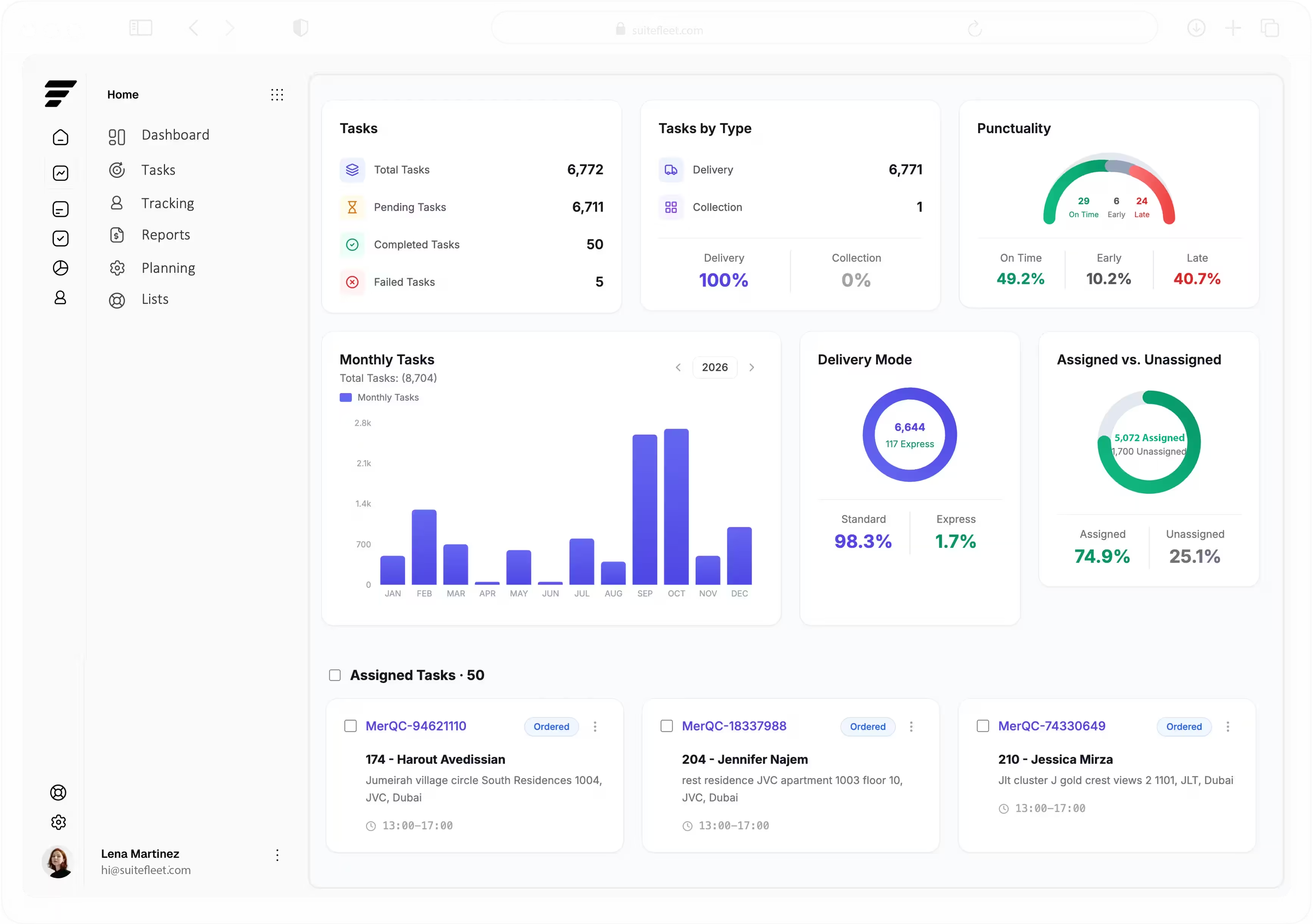
SuiteFleet connects route planning execution to the ERP layer so every persona works from the same live data from the moment an order is created to the moment proof of delivery updates the order record. Request a demo to see how the full chain works in your operation.