


SuiteFleet: QuickBooks Delivery Management System — route optimization, live tracking, and POD synced to your invoices.
Routes, fleet tracking, and proof of delivery — filling the gap between QuickBooks and the doorstep.

.webp)


QuickBooks is where your business finances live. Customer invoices, accounts receivable, delivery charges, driver payroll, operating costs — all of it flows through QuickBooks. It is the financial system of record for millions of small and mid-sized businesses running delivery operations.
It is not, and was never designed to be, a delivery management system. QuickBooks has no way to plan routes, dispatch drivers, track vehicles in real time, or capture proof of delivery in the field. Every delivery your team runs today is managed entirely outside QuickBooks — through phone calls, paper manifests, or disconnected tools — and every delivery that isn't tied to a system of record is a service risk you're carrying without visibility.
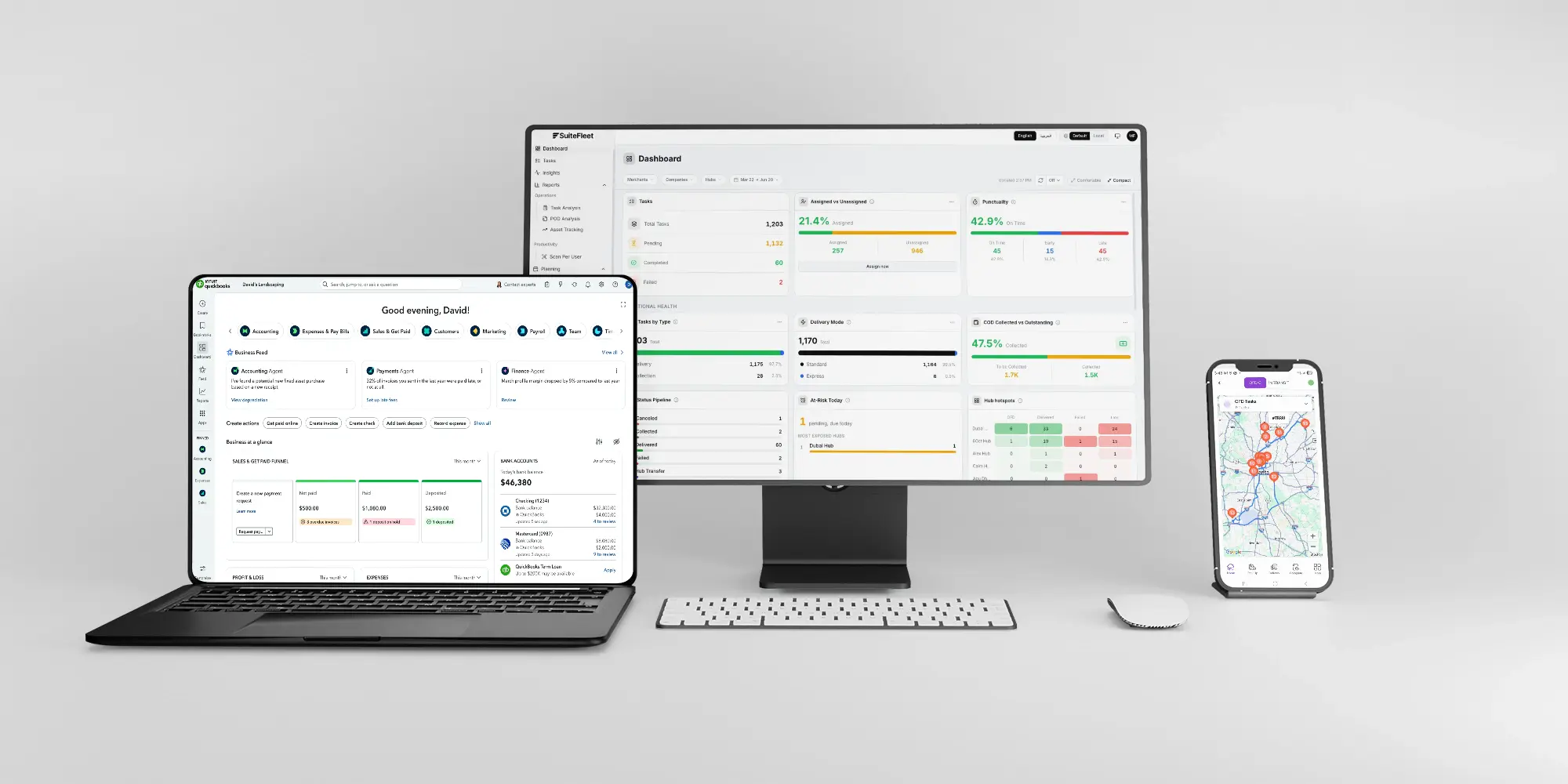
SuiteFleet is that delivery management system. It runs the complete delivery execution workflow — route planning, driver dispatch, live fleet tracking, electronic proof of delivery — and feeds the resulting delivery data straight back into QuickBooks, so your books stay current without anyone re-entering it.
What QuickBooks Manages — and What It Cannot
QuickBooks is purpose-built for accounting. It handles invoicing, receipts, expenses, bank reconciliation, payroll, and financial reporting with real depth. Where it stops is delivery operations: QuickBooks cannot plan a route, assign a driver, show you where a vehicle is right now, or confirm that a delivery was completed with a signature at 14:32.
For businesses running their own delivery fleet, that's not a small gap — it's the entire operational side of the business happening with no dedicated system behind it. Dispatch runs on phone calls and group chats. Routes are built by whoever's free that morning. Proof of delivery is a driver's word, or nothing at all. At low volume, that's survivable. At scale, it means missed delivery windows, no visibility into where a driver actually is, and disputes with no record to settle them.
SuiteFleet is the delivery management system that fills that gap — and QuickBooks stays exactly what it's good at: the books.
What Changes When QuickBooks and SuiteFleet Are Connected
- Customer data sync: Customer records from QuickBooks are available in SuiteFleet for delivery task creation, so delivery addresses and contact details stay consistent across both systems.
- Route planning: Delivery stops are sequenced by geography, time windows, vehicle capacity, and driver availability — full multi-stop routes built across your fleet in seconds.
- Driver mobile app: Drivers get routes on a dedicated app with turn-by-turn navigation, stop-level instructions, customer contact details, and exception handling built in.
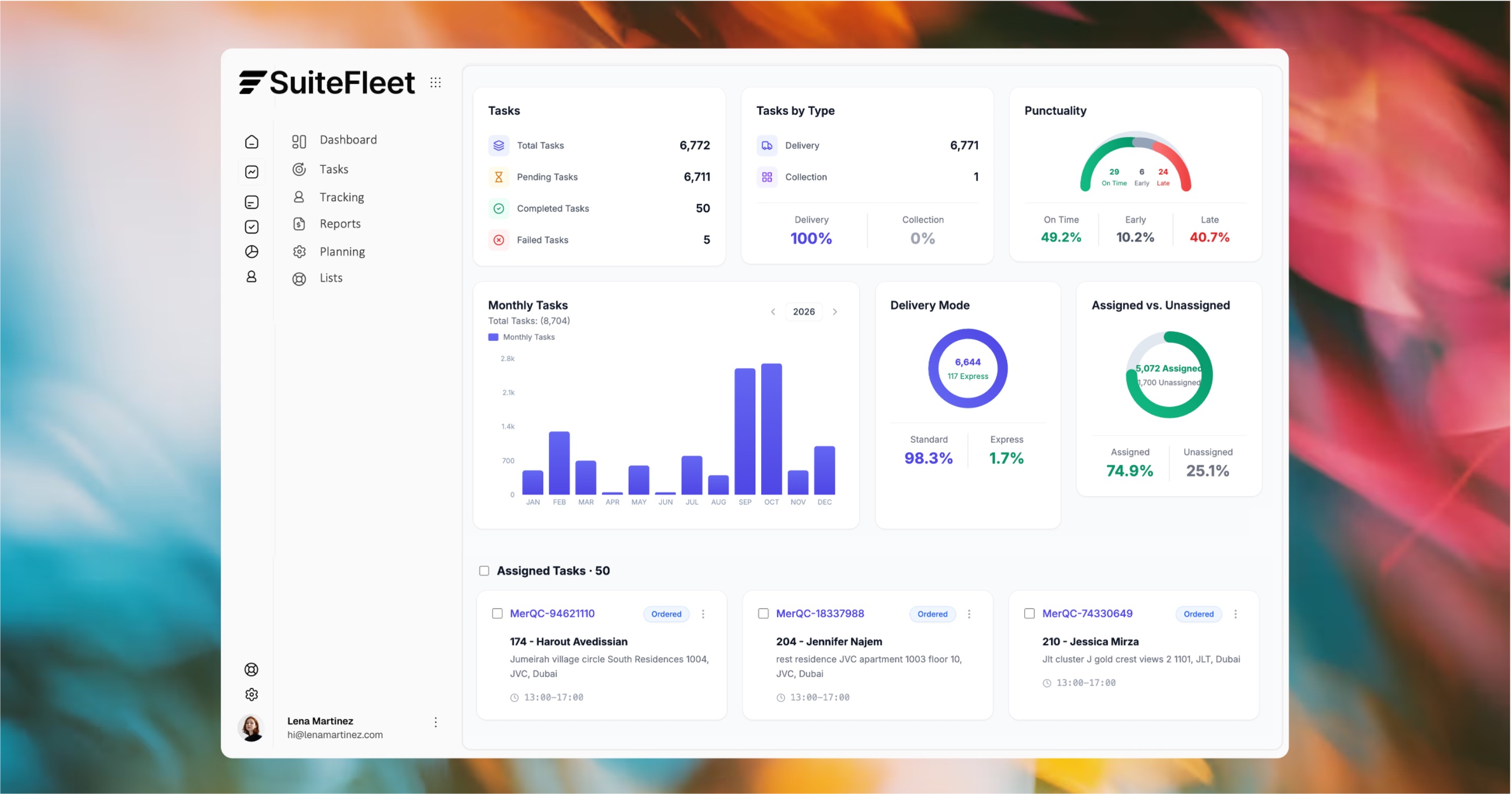
- Live fleet visibility: Dispatchers see every driver's real-time position, current stop, and dynamic ETA on one console — no more calling drivers to ask where they are.
- Electronic proof of delivery: Photo, digital signature, and OTP captured at every stop, stored against the delivery and ready for dispute resolution.
- Delivery data to QuickBooks: On completion, SuiteFleet writes the delivery record back to QuickBooks — customer, items, charge, timestamp, POD reference — closing the loop without manual entry.
- Delivery status and tracking: A live tracking link is generated per delivery, shareable with customers via SMS or WhatsApp.
The Delivery Visibility Argument (renamed from "Cash Flow Argument" to keep the DMS framing — let me know if you want to keep the cash-flow angle instead)
For businesses running their own fleet, the real cost isn't just billing delay — it's not knowing what's happening between dispatch and delivery. A route built on guesswork, a driver you can't locate, a delivery you can't confirm happened: each of these is a service failure waiting to become a customer complaint.
At 50 deliveries a day, that adds up to missed windows, avoidable calls to drivers, and disputes with no record to point to. SuiteFleet's QuickBooks integration replaces the guesswork with a system — every route planned, every driver tracked, every delivery proven, the moment it happens.

Your QuickBooks delivery data drives real routes.

Here's the whole section, reframed around delivery management rather than billing/invoicing:
Who This Is For
SuiteFleet is the right fit for QuickBooks businesses running their own delivery fleet, where delivery execution and financial management need to work together without a manual handoff between them.
The fit is strongest for:
- Courier and same-day delivery companies using QuickBooks for invoicing and driver payroll who need a real delivery management system to run and track their own fleet
- Wholesale distributors and retailers using QuickBooks as their accounting system who manage their own delivery fleet for trade customer deliveries
- Food and beverage businesses running direct delivery routes who currently coordinate drivers manually and need the delivery record to sync automatically at each stop
- 3PLs and delivery service providers who bill clients per delivery and need proof of delivery and delivery data available in QuickBooks without manual processing after each route
If your deliveries go through third-party carriers and your QuickBooks invoicing is based on carrier tracking rather than your own fleet's delivery records, SuiteFleet is not the right tool. If you run your own drivers and manage delivery execution manually today, SuiteFleet is the delivery management system that gives you routing, tracking, and proof of delivery in one place.
Technical Integration Details
- Authentication: Connects to QuickBooks Online via OAuth 2.0 through Intuit's developer platform. Secure, token-based access with configurable scope permissions — no shared credentials required.
- Customer sync: Customer records from QuickBooks Online are available in SuiteFleet for delivery task assignment, with billing name, address, and QuickBooks customer ID mapped across.
- Delivery task creation: Delivery tasks are created in SuiteFleet manually or from an order source, with the QuickBooks customer linked automatically for accurate routing and dispatch.
- Route mapping: Delivery service items in QuickBooks are mapped to SuiteFleet delivery types, ensuring invoice line items reflect the correct QuickBooks product/service and chart of accounts coding once a delivery completes.
- POD reference: Proof of delivery record ID and delivery timestamp included on the QuickBooks invoice for audit trail and dispute resolution.
- QuickBooks Online compatibility: Supports QuickBooks Online Simple Start, Essentials, Plus, and Advanced. QuickBooks Online Advanced supports higher API rate limits for high-volume operations.
- QuickBooks Desktop: For businesses on QuickBooks Desktop (Pro, Premier, Enterprise), connectivity is available via middleware integration. Contact the SuiteFleet team for Desktop-specific implementation details.
How It Works
- A delivery task is created in SuiteFleet, either manually or from an order source, with the QuickBooks customer linked automatically.
- Routes are planned and optimized across your fleet — by geography, time windows, and driver availability — then dispatched to drivers via the SuiteFleet mobile app.
- Drivers execute deliveries with turn-by-turn navigation, capturing proof of delivery — photo, signature, or OTP — at every stop.
- Dispatchers track every driver's live location and delivery status from a single console, without needing to call around for updates.
- On completion, SuiteFleet writes the delivery record back to QuickBooks — customer, items, charge, timestamp, POD reference — closing the loop without manual entry.


.jpg)

.png)