.svg)
Dynamics 365 Last Mile Delivery — closes the blind spot from warehouse dock to customer door.
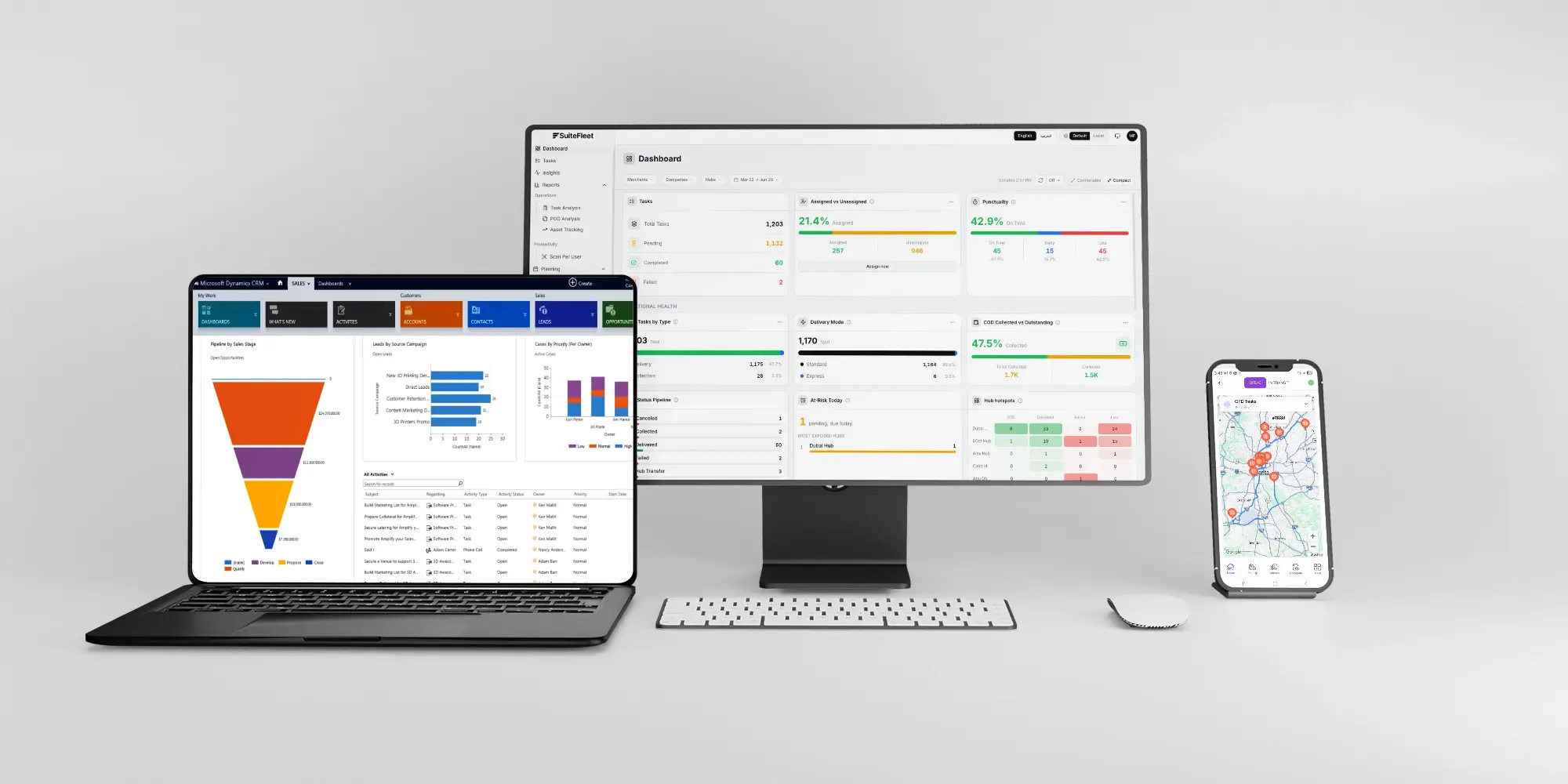
Dynamics 365 manages the order. SuiteFleet delivers it to the door, with route optimization and tracking synced back to D365 automatically.

.webp)


What Dynamics 365 Manages, and What It Cannot:
Dynamics 365 Commerce and Supply Chain Management track every item from procurement through fulfillment with real depth. Supply chain visibility ends when goods leave the warehouse. D365 cannot calculate the optimal sequence for a 40-stop delivery route, has no driver mobile app, sends no live delivery notifications, and captures no digital proof of delivery.
What Changes When Dynamics 365 and SuiteFleet Are Connected:
- Order sync: sales orders marked ready for delivery in D365 flow into SuiteFleet's last mile layer automatically.
- Last mile route optimization: orders batched into optimized routes by location and time window, cutting hours of manual planning to seconds.
- Customer notifications: automated SMS and email alerts with branded tracking pages replace the static "order shipped" email.
- Time window compliance: precise delivery windows offered and honored, with automatic customer notification if an adjustment is needed.
- Dynamics 365 writeback: proof of delivery, timestamps, and exception data sync back to the D365 order record automatically, including failed delivery reasons.
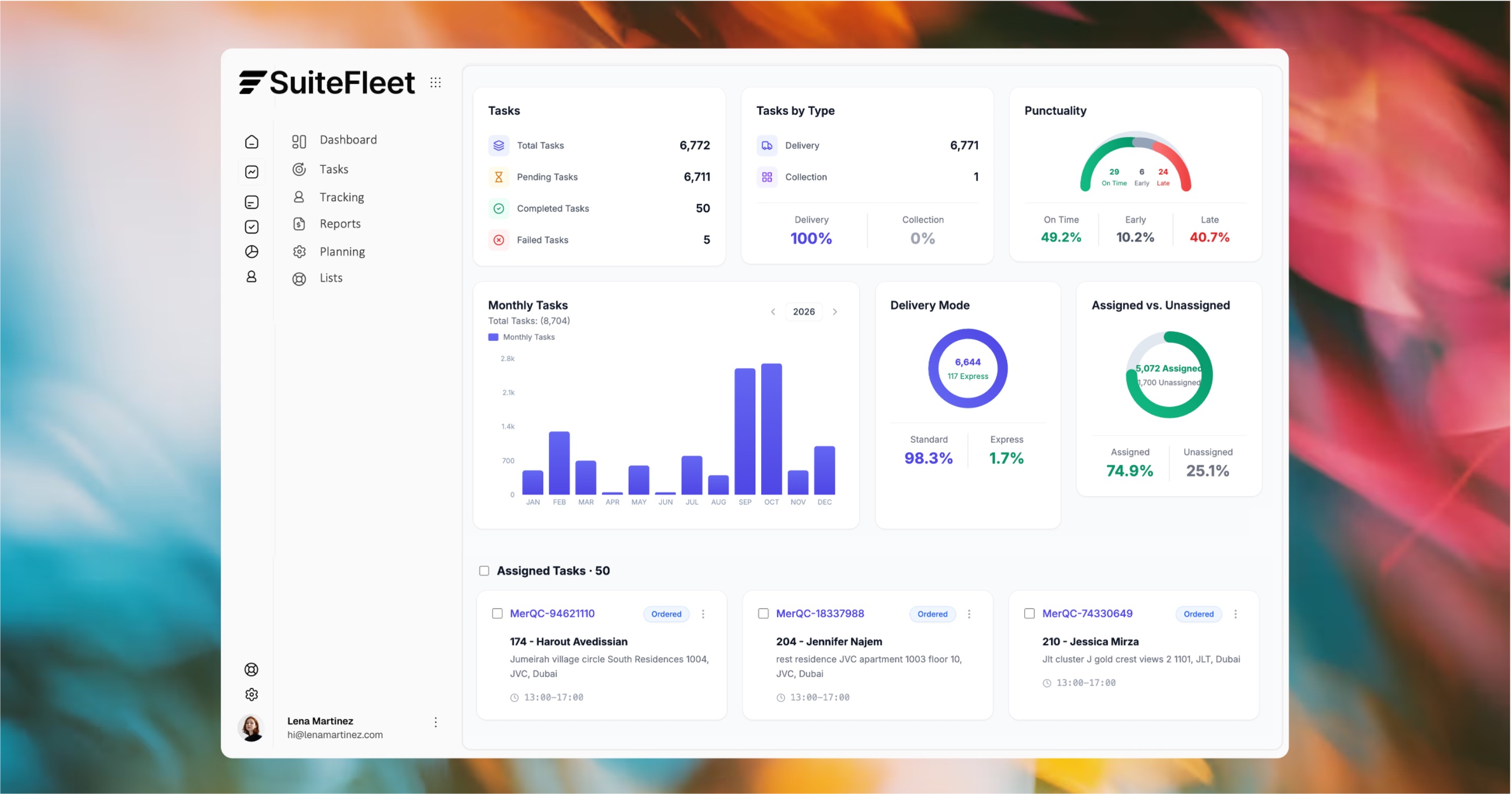

D365 manages the order. SuiteFleet delivers it to the door.

Who This Is For:
Dynamics 365 Commerce, Supply Chain Management, or Business Central users running their own delivery fleet who need multi-stop route optimization and customer tracking D365 doesn't provide.
Technical Integration Details:
Connects via Microsoft Dataverse APIs and Power Automate workflows, requiring no custom development. Sales orders and delivery requests import as delivery stops, with delivery completion, proof of delivery, and exception data syncing back to D365 order records.
How It Works (steps):
- A D365 sales order marked ready for delivery appears in SuiteFleet automatically.
- SuiteFleet batches orders into optimized routes assigned by location, vehicle capacity, and time window.
- Signatures, photos, and delivery data write back to the D365 order record automatically.





.svg)


.svg)
.svg)