QuickBooks Last Mile Delivery — closes the gap between making deliveries and getting billed for them.
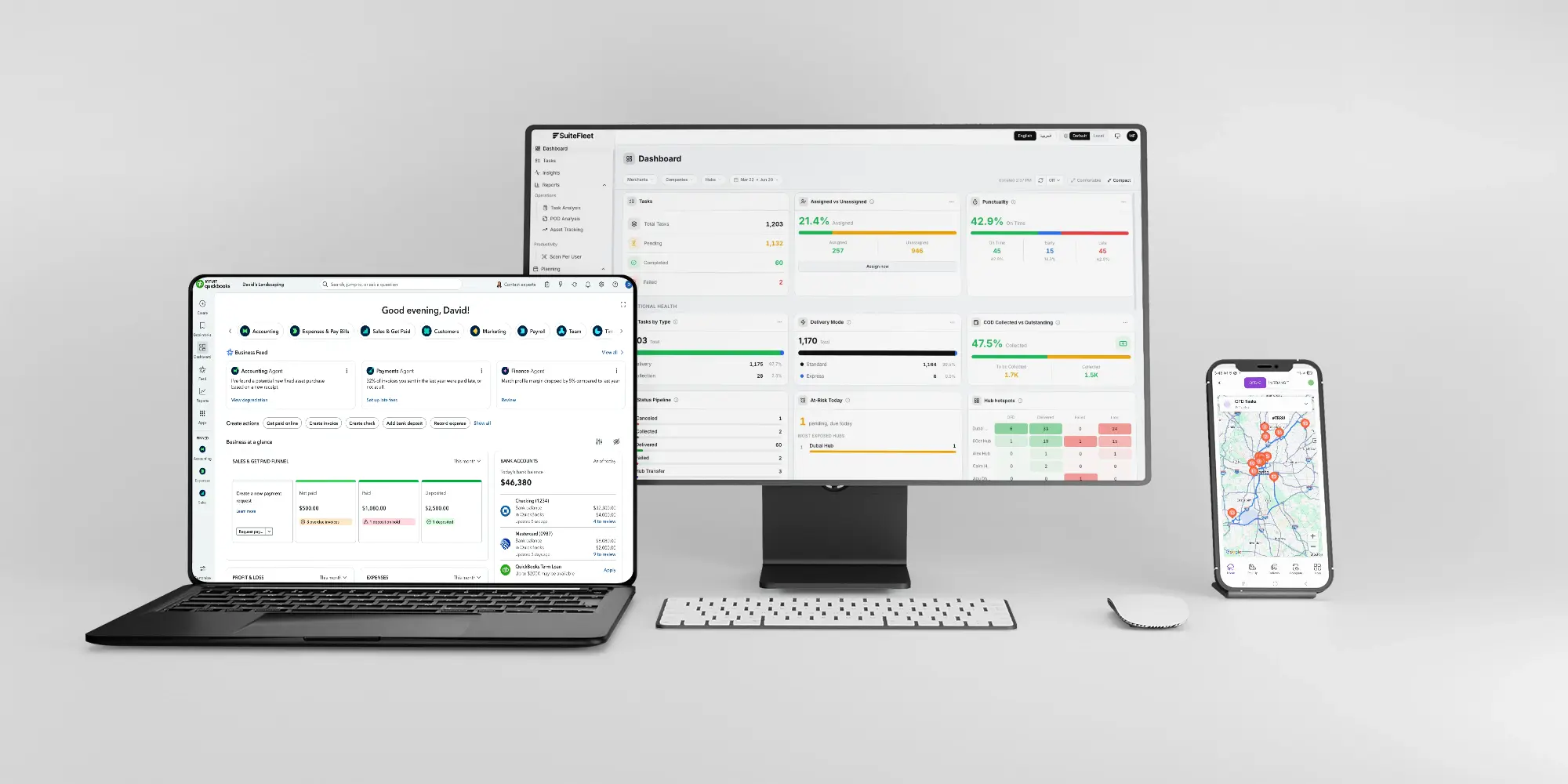
QuickBooks tracks your money. SuiteFleet earns it on the road, auto-generating invoices for every completed last mile delivery.

.webp)


What QuickBooks Manages, and What It Cannot:
QuickBooks is the go-to accounting platform for small delivery businesses, handling invoicing, expense tracking, and financial reporting with real depth. It knows nothing about what happens between picking up a package and billing for its delivery. Someone has to manually cross-reference delivery manifests with QuickBooks every day, and deliveries slip through the cracks.
What Changes When QuickBooks and SuiteFleet Are Connected:
- Billing rules: per-stop fees, mileage rates, or flat charges for last mile deliveries map to QuickBooks income accounts automatically.
- Last mile route optimization: the morning planning scramble drops from 1 to 3 hours to seconds.
- Customer notifications: automated tracking alerts eliminate the daily flood of "where is my delivery" calls.
- Time window compliance: every stop reached on time, cutting failed delivery attempts and redelivery costs.
- QuickBooks writeback: invoices auto-created the moment a route completes, with delivery fees, driver details, and POD reference attached.
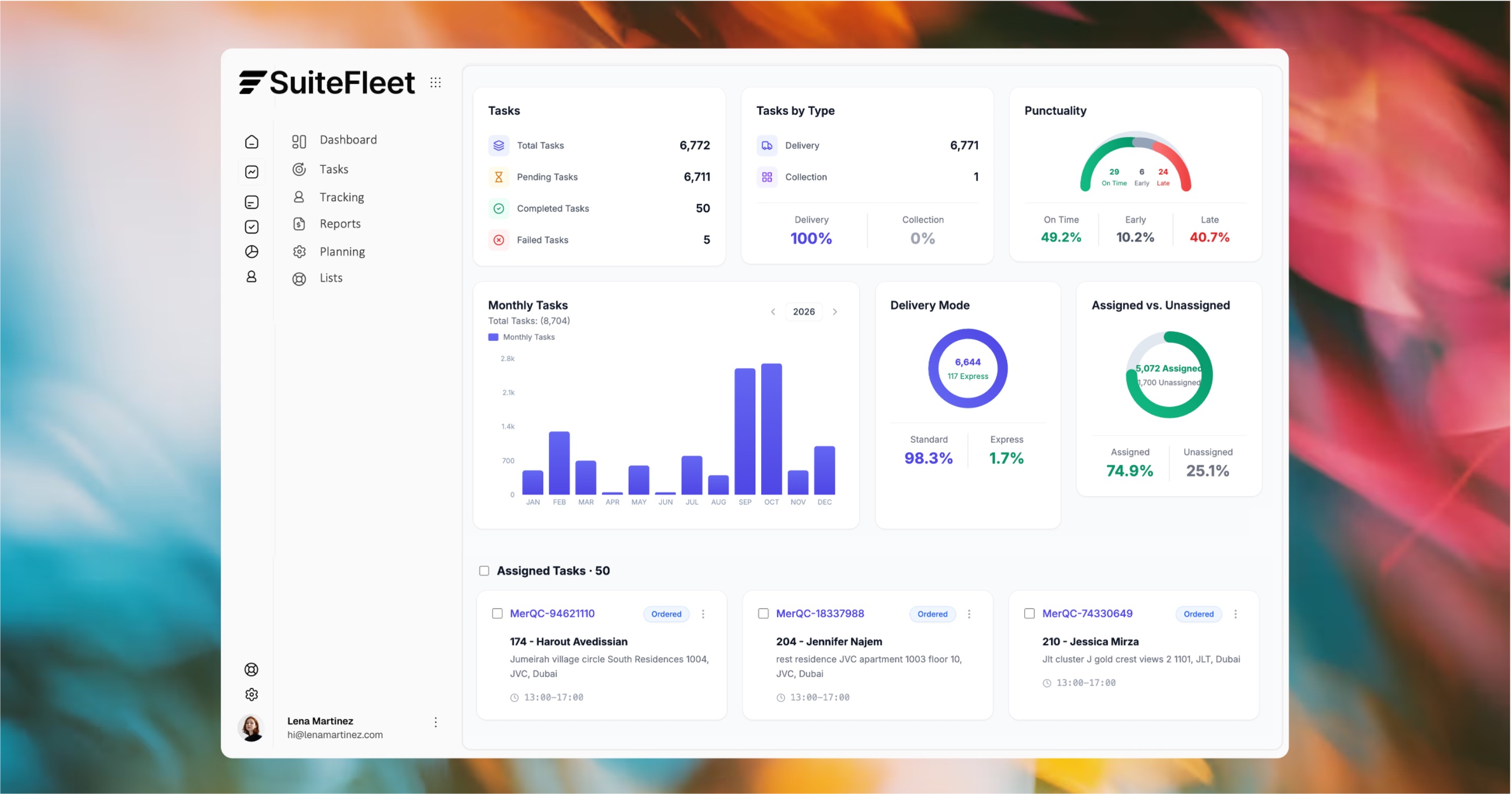

Every last mile delivery, automatically billed.

Who This Is For:
Small delivery businesses on QuickBooks Online currently losing revenue to unbilled deliveries and hours to manual route planning and end-of-day invoicing.
Technical Integration Details:
Connects via the QuickBooks Online REST API. Billing rules configured once, then invoices auto-generate on delivery completion with delivery fees, driver details, and proof of delivery linked. Delivery costs can also flow to QuickBooks as expenses.
How It Works (steps):
- Delivery jobs import from QuickBooks customers or are entered directly, with billing rules mapped to income accounts.
- SuiteFleet optimizes routes for all pending jobs in seconds and dispatches drivers.
- On route completion, invoices auto-create in QuickBooks with delivery fees and proof of delivery attached.




.svg)

.svg)
.svg)
.svg)