
Zoho Last Mile Delivery — connects your orders to optimized routes, live tracking, and confirmed doorstep delivery.
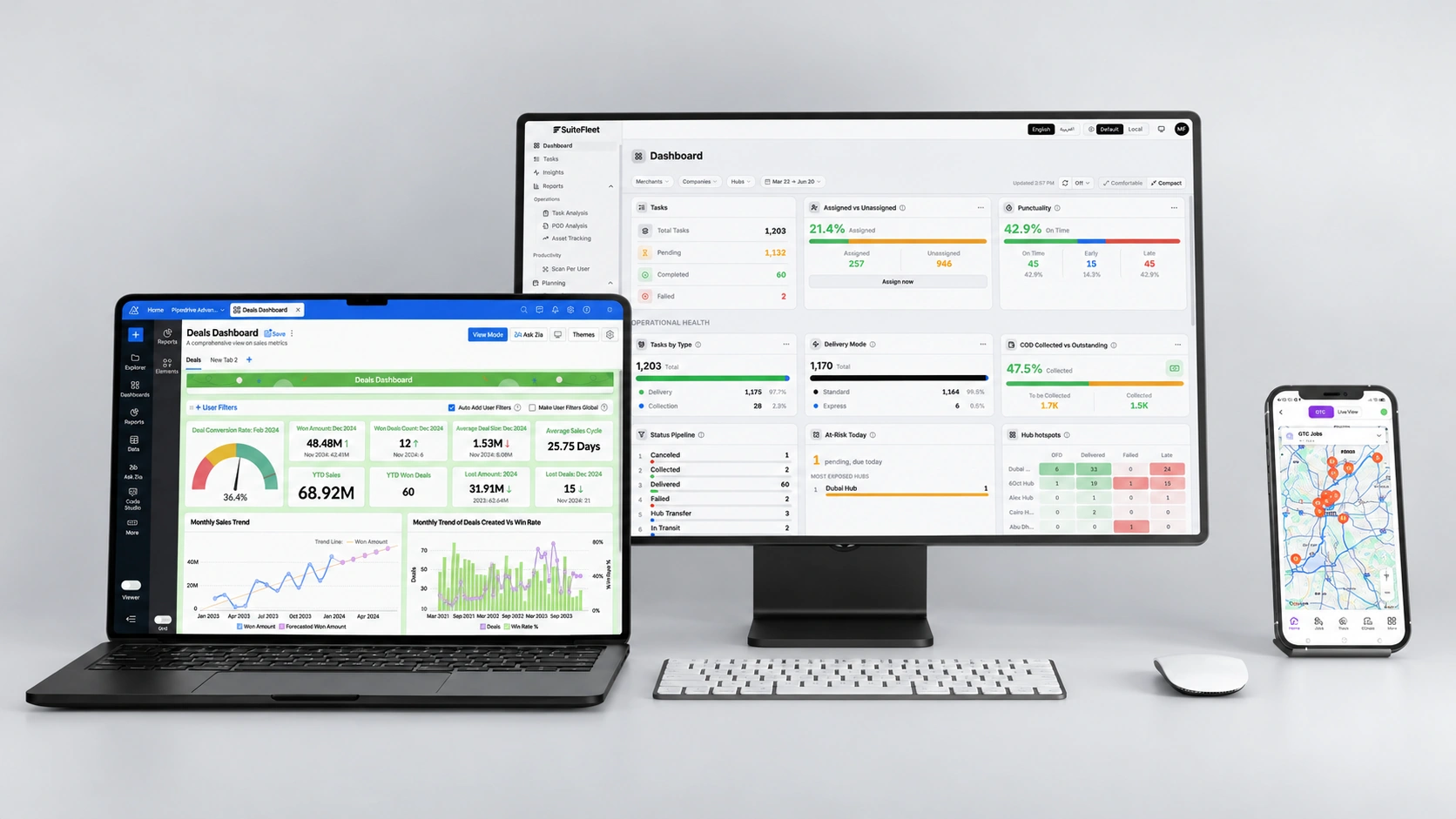
Zoho manages your orders and inventory. SuiteFleet brings dispatch, driver tracking, and proof of delivery into the same workflow.

.webp)


From Zoho Orders to Doorstep Delivery:Managing orders is only part of delivering them. Teams using Zoho Inventory also need to assign drivers, plan daily routes, communicate arrival times, and confirm each handover. SuiteFleet brings these delivery activities into one connected workflow.
What Changes When Zoho and SuiteFleet Are Connected:
- Order handover: Transfer eligible Zoho orders into delivery jobs without re-entering customer and shipment details.
- Route planning: Organize stops around customer delivery windows, available vehicles, and driver capacity.
- Customer communication: Share tracking links and delivery updates to reduce calls asking where an order is.
- Delivery execution: Give drivers their assigned stops and instructions through the SuiteFleet mobile app.
- Completion updates: Return delivery status and supporting evidence to Zoho through the configured integration.
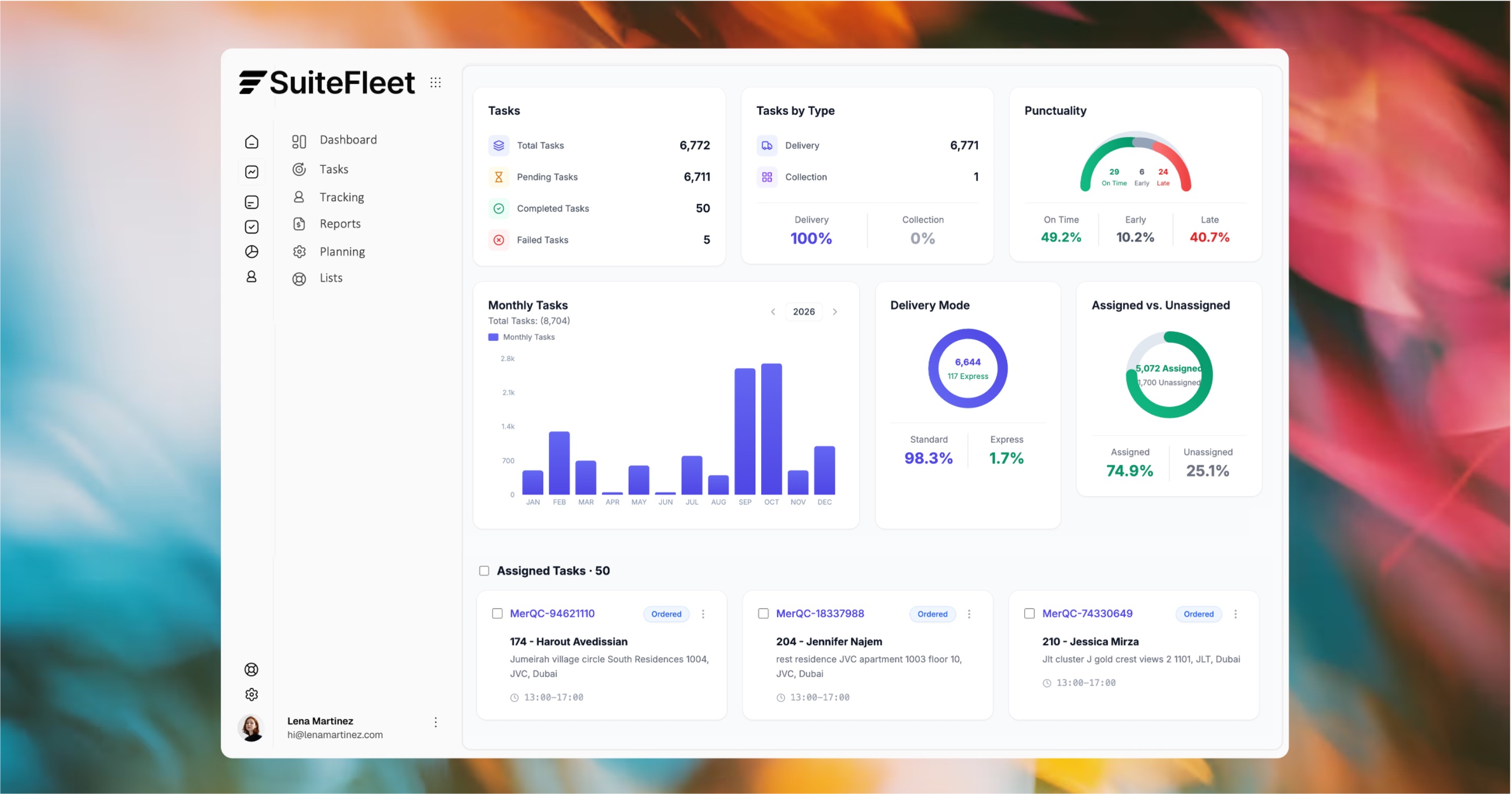

Your orders in Zoho. Your deliveries under control.

Who This Is For:
Retailers, distributors, and ecommerce businesses using Zoho Inventory to manage orders and their own drivers to complete local deliveries.
Technical Integration Details:
The integration should map eligible Zoho orders, customer addresses, and delivery instructions to SuiteFleet delivery jobs. Supported Zoho applications, synchronization triggers, and delivery status or proof-of-delivery writeback depend on the configured connector.
How It Works (steps):
- Orders ready for delivery are transferred from Zoho Inventory into SuiteFleet.
- Dispatchers optimize routes and assign deliveries to drivers, who follow their stops through the mobile app.
- Drivers capture delivery evidence, and completion updates return to Zoho through the configured integration.





.svg)


.svg)
.svg)
.svg)